
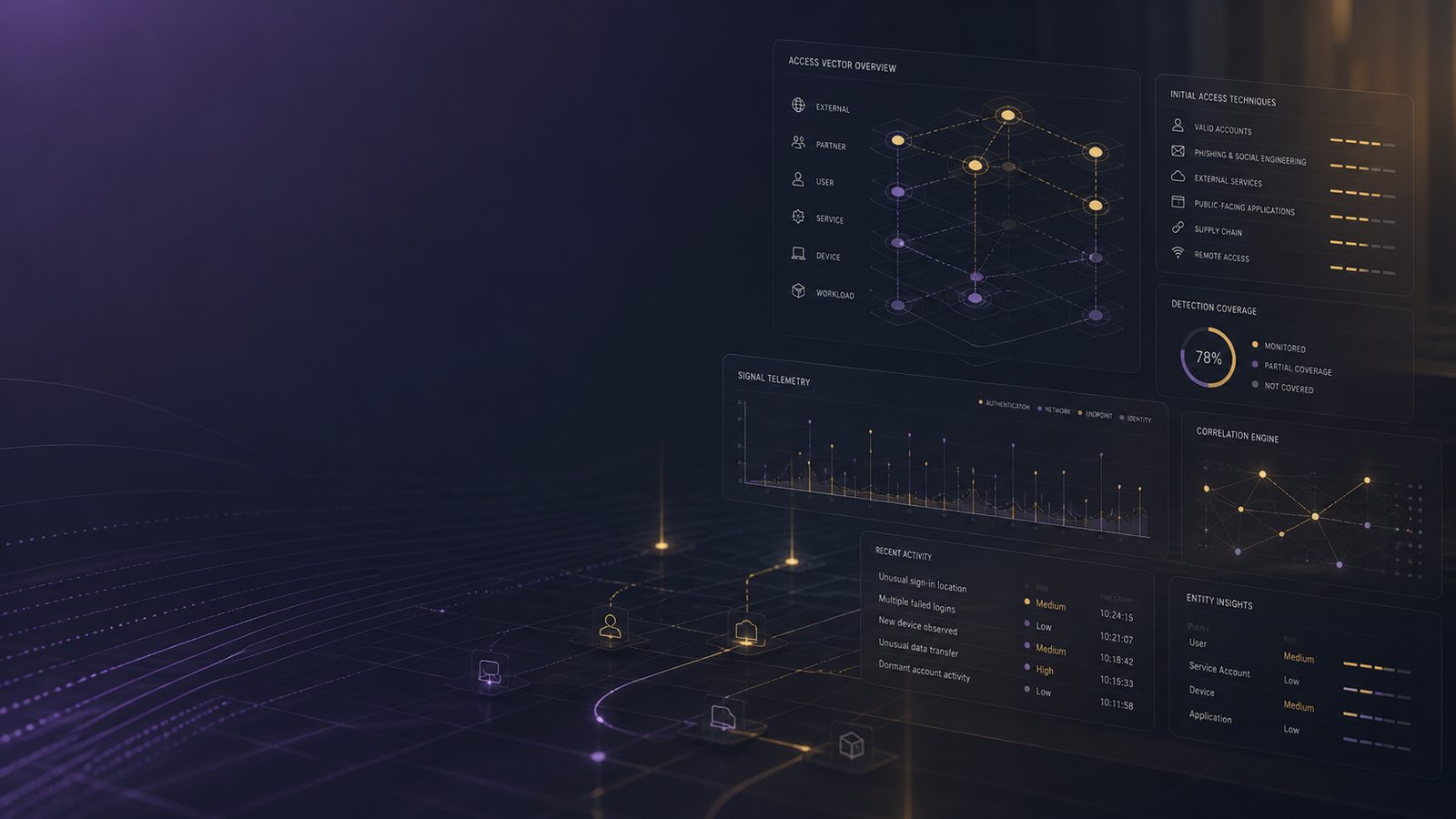
Initial access is the point where an attacker first gets a foothold in your environment. In practice, that foothold might come from a stolen password, a malicious email, a vulnerable VPN appliance, a public-facing web application, or a trusted third party. For defenders, the important question is not just how the access happened, but what telemetry should have exposed it early enough to contain it.
For UK SMEs, initial access is often the hardest stage to spot because it can look like normal business activity. A user signs in from a new device, a supplier account connects through a remote support tool, or a web form receives a burst of requests. None of those events is automatically malicious. The value comes from correlating identity, email, endpoint, proxy, DNS, firewall, and application data so that small anomalies become visible before they turn into broader compromise.
Key takeaways
- Initial access should be detected across identity, email, endpoint, network, and application layers rather than treated as a single control problem.
- The strongest detections usually combine weak signals, such as unusual sign-ins, mailbox changes, and endpoint activity, with baseline and exposure context.
- Phishing, credential abuse, exposed remote services, web entry points, and trusted third-party access each need different telemetry and alert logic.
- If logging is limited, prioritise identity, email, endpoint, VPN, and reverse proxy data because they provide the earliest and most actionable clues.
What initial access means in the attack chain
In MITRE ATT&CK terms, initial access sits near the start of the intrusion lifecycle, before the attacker establishes persistence, moves laterally, or exfiltrates data. That distinction matters because the telemetry available at this stage is usually noisier and less conclusive than later-stage indicators. You are often looking for weak signals: a suspicious sign-in, an unusual mailbox rule, a remote login from an unexpected geography, or a web request pattern that does not fit the application’s normal use.
It also means your detection strategy should be broader than a single control. Email security, identity protection, endpoint detection and response, web application logging, and network monitoring all contribute different pieces of the picture. If you only watch one layer, you will miss the others.
The main initial access techniques defenders should expect
The most common techniques seen in SME environments tend to fall into four groups. First, phishing, credential theft, and token abuse, where the attacker persuades a user to hand over access or steals an existing session. Second, exposed remote services such as VPN, RDP, SSH, or remote management tools. Third, public-facing applications and web entry points, including login portals, file upload features, and APIs. Fourth, supply chain and trusted third-party access, where the attacker abuses a partner account, integration, or support channel.
These categories map well to ATT&CK and are useful for building detections because each one leaves a different trail. For example, phishing often shows up in email and identity logs, while exposed services are more likely to surface in authentication logs, firewall data, and endpoint telemetry. Web entry points need application and reverse proxy visibility, and third-party abuse often requires careful baseline work around service accounts and delegated access. If you are still maturing your monitoring, it is worth aligning these detections with the broader detection and response model described in our article on Detect and Respond functions in NIST CSF.
How to detect phishing-driven initial access
Phishing remains effective because it targets people and identity systems rather than perimeter controls. The most useful signals usually come from the email platform and the identity provider together. In Microsoft 365 or similar environments, look for suspicious inbox rules, forwarding changes, consent grants to unfamiliar applications, and sign-ins that follow a phishing email delivery or click event within a short time window.
Identity telemetry is especially important when the attacker uses stolen credentials or session tokens after the initial lure. Watch for impossible travel, unfamiliar device fingerprints, atypical user agents, and sign-ins from hosting providers or consumer VPN ranges that do not match the user’s normal pattern. If your environment uses Entra ID, conditional access should be part of the control story, but the detection story still depends on logging. Our guide to Entra ID Conditional Access policies as code is useful if you want to standardise policy changes and keep them reviewable.
For email-led initial access, a practical hunting pattern is to join message trace data, mailbox audit logs, and sign-in logs around a single user or tenant-wide campaign. A burst of messages from a newly seen sender domain, followed by a mailbox rule that hides replies or forwards mail externally, is a stronger indicator than any one event on its own. If you have endpoint telemetry, check whether the user opened attachments, launched Office child processes, or spawned script interpreters soon after the email arrived.
How to detect credential-based access attempts
Credential attacks are often the first thing a mature defender can see clearly because they create repeated authentication events. Password spraying, brute force, and credential stuffing usually produce many failed logons across multiple accounts from a small set of source IP addresses, followed by one or more successful logons. The key is to look for patterns over time rather than isolated failures.
Useful detections include repeated failures against many users from the same source, sign-ins outside normal business hours, and successful authentication after a cluster of failures against the same account. In cloud identity platforms, enrich the event with risk signals, device compliance state, and geolocation. In Windows environments, monitor for failed logons on domain controllers, unusual Kerberos activity, and authentication from systems that should not normally be used interactively.
Token theft and session hijacking are harder because the attacker may not need to reauthenticate at all. You may see a legitimate session continue from an unexpected IP address, a device change without a corresponding MFA challenge, or activity that starts in one region and continues in another. MFA fatigue abuse can also look deceptively normal if the user eventually approves a prompt after repeated notifications. The best defence is a combination of strong MFA methods, number matching or phishing-resistant authentication where possible, and alerting on repeated push prompts or unusual approval patterns. For a deeper view of identity abuse patterns, our article on credential theft and misuse patterns is a useful companion.
How to detect abuse of exposed remote access services
Remote access services are attractive because they provide a direct route into internal systems. VPN portals, RDP gateways, SSH endpoints, and remote management tools should all be treated as high-value assets from a detection perspective. The first clue is often authentication telemetry, but network and endpoint data quickly become important once a session is established.
For VPNs, look for logons from unusual countries, impossible travel between sessions, repeated failures followed by success, and accounts that suddenly begin connecting at odd hours. For RDP and SSH, watch for source IPs that have never been seen before, logons to administrative accounts, and sessions that originate from internet-facing addresses rather than expected corporate ranges. If a remote access service is exposed directly to the internet, correlate authentication events with firewall logs and any available geo-IP enrichment.
On the endpoint side, successful remote access often leads to process creation, service installation, or remote administration tooling. Sysmon event IDs for process creation and network connections can help you identify follow-on activity, especially when paired with Windows logon events. If you are tuning endpoint telemetry, our article on high-fidelity Sysmon process telemetry is a practical reference.
How to detect web application entry points
Public-facing applications are a common route in because they are reachable, often business critical, and frequently exposed to the internet. The challenge is that application traffic can be noisy and legitimate automation can resemble abuse. You need to understand what normal looks like for each application before you can spot the abnormal.
Start with reverse proxy, WAF, and application logs. Look for repeated authentication failures, parameter tampering, unusual user agents, bursts of requests to login or password reset endpoints, and requests that probe hidden or deprecated paths. If the application supports file uploads, pay attention to unusual file types, oversized payloads, or repeated attempts to bypass validation. For APIs, watch for authentication attempts from new clients, unexpected token use, and request sequences that do not match the normal application workflow.
Correlate web activity with endpoint and backend telemetry where possible. A suspicious login followed by a new server-side process, a database connection from an unexpected host, or outbound traffic to an unfamiliar destination is much more meaningful than a single HTTP 200 response. If your development teams need a refresher on defensive input handling, our article on input validation, encoding, and output sanitisation is relevant to reducing the attack surface that initial access depends on.
How to detect exploitation of public-facing infrastructure
Edge devices and appliances are often the first place defenders can see exploitation of a vulnerable service. VPN concentrators, firewalls, load balancers, email gateways, and remote management appliances may log authentication attempts, configuration changes, crashes, or unusual administrative actions before any endpoint telemetry exists. That makes them high-value log sources, even if they are awkward to ingest.
When a vulnerability is being exploited, the first signs may be indirect. You might see a sudden spike in authentication errors, a new administrative session, a configuration export, or a process that should not normally run on the appliance. If the device supports command execution logging, preserve it. If it does not, focus on network indicators such as outbound connections to rare destinations, unexpected DNS lookups, or traffic patterns that do not match the device’s normal role.
It is also worth correlating known exposure with detection. If a public-facing service is unpatched or newly disclosed, raise the priority of any related authentication or process anomalies. This is where vulnerability management and detection engineering meet. A vulnerable appliance is not yet an incident, but it should change how you interpret the next alert.
How to detect trusted third-party or supply chain access abuse
Trusted third-party access is easy to overlook because it often uses legitimate accounts, approved tools, and expected network paths. That trust is exactly why it needs monitoring. Service accounts, support portals, delegated administration, and remote support tools can all be abused if credentials are stolen or access is broader than intended.
Look for changes in behaviour rather than just failed logons. A partner account that normally accesses one system but suddenly touches several, a service account that begins authenticating outside its usual window, or a remote support tool that is used from a new source IP should all be investigated. If the third party uses privileged access, monitor for changes to group membership, role assignments, and consent grants.
Control checks matter here as much as detections. Review whether third-party access is time-bound, whether it uses separate accounts, whether MFA is enforced, and whether sessions are recorded. Remote support tools should be tightly scoped, and delegated administration should be visible in logs. If you are building a broader access model, our article on least privilege access using IAM and RBAC helps frame the control side of the problem.
Telemetry and log sources that improve initial access detection
There is no single log source that covers all initial access techniques. Identity logs are essential for authentication and token abuse. Email logs help with phishing and mailbox manipulation. Endpoint telemetry shows process creation, script execution, and network connections after the foothold. Proxy, DNS, and firewall logs provide source and destination context. Application logs expose abuse of login flows, APIs, and upload paths.
For Microsoft-heavy environments, Microsoft Defender for Endpoint and Microsoft Sentinel can provide a useful correlation layer, especially when identity, endpoint, and cloud logs are centralised. Sysmon adds high-value process and network telemetry on Windows endpoints and servers. The more you can normalise these sources into a SIEM, the easier it becomes to write detections that combine weak signals into something actionable. If you are still designing the pipeline, our article on log pipelines for detection engineering is a good starting point.
Detection logic and hunting approaches that work in practice
High-signal detections usually combine three ingredients: a suspicious event, a relevant baseline, and a piece of enrichment. For example, a successful sign-in from a new country is more interesting if the user has never travelled, the device is unmanaged, and the login is followed by mailbox rule creation. Likewise, a burst of failed VPN logons is more actionable if the source IP is known to be associated with hosting infrastructure or if the account is privileged.
ATT&CK is useful here because it gives you a consistent way to describe the technique and measure coverage. Build rules around the techniques most relevant to your environment, then test them with safe simulation. Sigma rules can help you keep detections portable across SIEM platforms, while KQL is useful if you are working in Microsoft Sentinel. The goal is not to alert on every anomaly, but to create enough confidence that analysts can triage quickly.
Hunting is also valuable when you do not yet have a mature rule set. Start with a known suspicious account, a newly exposed service, or a recent phishing campaign and work backwards through the logs. That approach often reveals gaps in retention, missing fields, or identity sources that are not yet onboarded. If you want to validate detections safely, our article on simulating adversary techniques safely with Atomic Red Team is a practical companion.
Common blind spots that let initial access go unnoticed
The most common blind spot is simply missing telemetry. If you do not collect identity logs, you will struggle to see credential abuse. If you do not ingest email audit data, mailbox rule changes and forwarding abuse may be invisible. If endpoint logging is sparse, you may miss the process activity that confirms a foothold. Short retention creates a similar problem because the evidence disappears before anyone can investigate it.
Another blind spot is overreliance on a single control. MFA helps, but it does not stop token theft or every form of session abuse. Email filtering helps, but it does not stop a user from approving a malicious consent prompt. A WAF helps, but it may not see authenticated abuse or business logic flaws. Good initial access detection assumes controls will fail in different ways and compensates with layered visibility.
Practical priorities for SMEs
If your coverage is limited, start with the detections that give the best return for the least effort. First, centralise identity logs and alert on impossible travel, repeated failures, new device sign-ins, and mailbox rule changes. Second, ingest email audit data and look for forwarding, consent, and suspicious sender patterns. Third, collect endpoint telemetry on servers and user devices so you can confirm what happened after a login. Fourth, bring in VPN, firewall, and reverse proxy logs for exposed services and public applications.
Then link those detections to response actions. If a suspicious sign-in is confirmed, you should know who can disable the account, revoke sessions, isolate the endpoint, and preserve logs. If a web application appears to be the entry point, you should know how to capture the relevant logs before they roll over. This is where detection and incident response should be designed together rather than as separate exercises.
For SMEs that want to improve without building everything in-house, a focused review of identity, endpoint, and logging architecture is often the fastest way to close the biggest gaps. If you would like help prioritising those controls, Speak to a consultant.
Frequently asked questions
What are the 7 types of security?
There is no single universal set of seven types of security, but organisations often group it into areas such as physical, network, endpoint, application, identity, cloud, and data security. For detection work, it is more useful to think in terms of the control and telemetry layers that support each area.
What are the 7 steps of incident response?
A common incident response flow is preparation, identification, containment, eradication, recovery, lessons learned, and improvement. Different frameworks use slightly different wording, but the practical aim is the same: detect quickly, limit impact, restore safely, and improve the control set afterwards.
Comments are closed