
Key takeaways
- Network monitoring helps you spot unusual activity early, reduce disruption, and investigate incidents with better evidence.
- For SMEs, the best approach is to monitor the systems that matter most rather than trying to watch everything.
- Monitoring only adds value when alerts are clear, owned, and linked to a response process.
- Network monitoring should support, not replace, endpoint security and identity controls.
What network monitoring means in plain English
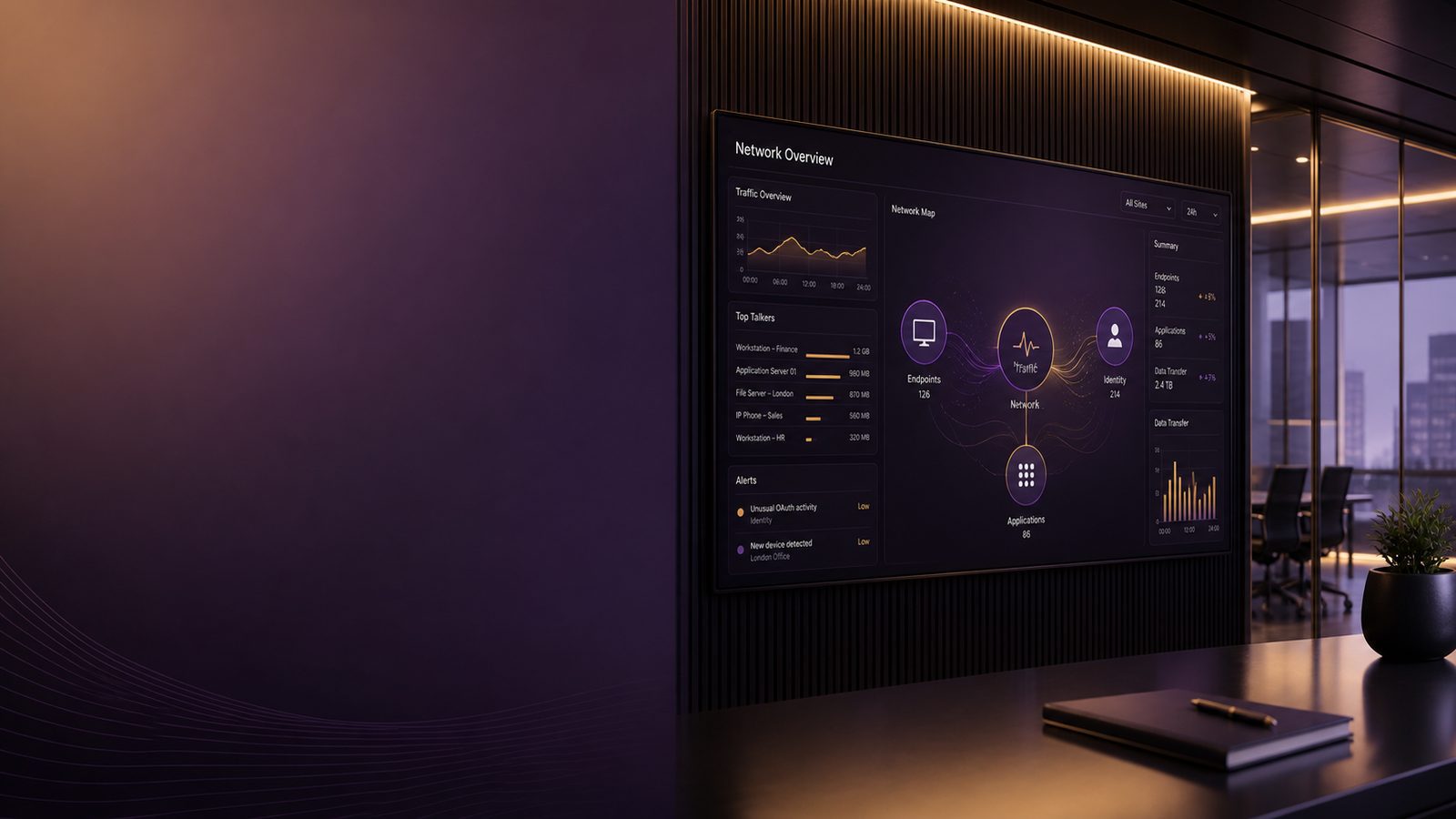
Network monitoring is the practice of watching the traffic that moves across your business network so you can spot problems early. In simple terms, it helps you see who is connecting to what, when, and how much data is moving. For a small or medium-sized business, that matters because unusual activity can be an early sign of downtime, fraud, account misuse, or a security incident that could disrupt trading.
It is not just about technical curiosity. Good monitoring gives decision-makers better visibility of risk. If a key system stops talking to the rest of the business, or if a device starts sending large amounts of data to an unfamiliar location, you want to know before that turns into lost revenue, missed orders, or a reputational problem.
How it differs from general IT support and antivirus
IT support usually focuses on keeping systems running. Antivirus focuses on blocking or removing known malicious software on a device. Network monitoring sits alongside those controls and looks at the movement of data between systems, users, cloud services, and the internet.
That wider view is useful because not every issue starts on a laptop. Some problems show up as strange connections, repeated failed logins, unusual data transfers, or a device talking to a service it should never use. Network monitoring can therefore add context that endpoint tools alone may miss. If you want a broader view of how logs and alerts fit together, our article on logging and monitoring basics for small teams is a helpful companion.
Why businesses monitor network traffic at all
Most organisations monitor their network for three practical reasons:
- To keep services available and reduce downtime.
- To spot suspicious activity before it becomes a bigger incident.
- To support investigations when something has already gone wrong.
For SMEs, this is usually about reducing business disruption rather than building a huge security operation. You do not need to watch everything in perfect detail. You do need enough visibility to understand what normal looks like, so that unusual behaviour stands out.
Why network monitoring matters for UK SMEs
Many smaller businesses assume monitoring is only for large enterprises. In practice, SMEs often have less spare capacity to absorb an incident. A short outage can stop sales, delay customer work, or interrupt access to finance, stock, or booking systems. That makes early warning especially valuable.
Reducing downtime, fraud risk, and business disruption
Network monitoring helps reduce the time between a problem starting and someone noticing it. That can make the difference between a minor interruption and a major incident. For example, if a server begins behaving oddly, or if a remote access account is used at an unusual time, a prompt alert may allow the issue to be contained before it spreads.
It can also help with fraud-related concerns. Unusual outbound traffic, unexpected connections to external services, or repeated access attempts from unfamiliar locations may indicate that an account has been misused. Even when the cause turns out to be benign, the business gains a clearer picture of what happened and whether action is needed.
For organisations thinking about broader resilience, network monitoring also supports a more joined-up approach to defence. It works best when paired with identity controls, endpoint protection, and sensible network design. Our article on Zero Trust explained for non-technical leaders shows how those layers fit together in a practical way.
Supporting investigations when something looks wrong
When a user reports a strange email, a device behaves unpredictably, or a supplier says they have seen suspicious activity, network records can help answer basic questions. What connected to what? When did it start? Was data sent out? Did the pattern spread to other systems?
That evidence is useful because memory fades quickly after an incident. Good records make it easier to reconstruct events, decide whether the issue was isolated, and explain what happened to customers, insurers, or internal stakeholders. If you need a broader view of evidence handling, see retaining evidence and logs for investigations.
What network monitoring can help you spot
Network monitoring is most valuable when it highlights behaviour that does not fit the normal pattern for your business. That does not always mean an attack. Sometimes it means a misconfiguration, a failing system, or a process that needs attention. The point is to surface issues early enough to act.
Unusual traffic patterns and unexpected connections
Examples include a sudden spike in traffic, a device connecting to a country or service it has never used before, or a system that starts communicating at odd hours. These patterns can indicate a compromised account, a malware infection, or a legitimate change that was not communicated properly.
Monitoring can also show when a device is talking to too many destinations, or when a server that should only speak to a few internal systems starts reaching out more widely. That kind of change often deserves a closer look because it may point to unauthorised software, a failed update, or an attempt to move through the network.
Signs of compromised accounts, malware, or data movement
Some of the most useful signals are indirect. For example, a user may log in normally, but the account then starts making requests that do not match that person’s role. A laptop may appear healthy, but it begins sending data in a way that suggests something is running in the background. A file server may show unusual transfers outside business hours.
Network monitoring is not a magic answer, but it can reveal the shape of a problem. That is often enough to trigger a check, isolate a device, or ask the right questions before the issue grows.
What network monitoring cannot do on its own
It is important not to overstate what network monitoring can achieve. It is one part of a wider defence strategy, not a complete solution. If you rely on it alone, you will still have blind spots.
Why it does not replace endpoint security or identity controls
Endpoint security protects the device itself, such as a laptop or server. Identity controls help make sure the right people have the right access. Network monitoring sits in between and watches the traffic. Each layer covers different risks.
For example, if an attacker uses a legitimate login, the network may only show normal-looking traffic unless other controls provide context. Likewise, if a device is already compromised, the network may show symptoms rather than the original cause. That is why good monitoring should be paired with strong account protection and secure device settings.
If you are reviewing your overall defensive posture, our article on endpoint hardening using CIS Benchmarks for UK SMEs is useful background on reducing risk at the device level.
Common blind spots and why context still matters
Monitoring tools can miss activity if they are not placed in the right parts of the network, if encryption hides useful detail, or if the business has moved heavily into cloud services without updating its visibility model. Even when data is collected, alerts can be too noisy to act on if they are not tuned to the business.
That is why context matters. A large file transfer may be normal for a design team but unusual for finance. A login from abroad may be expected for a travelling director but not for a local office printer. The same event can mean different things depending on who, what, and when.
The main types of network monitoring
There are two broad categories that matter for most SMEs: monitoring for availability and performance, and monitoring for security.
Basic availability and performance monitoring
This is the type many businesses already use in some form. It checks whether systems are up, whether internet links are working, and whether applications are responding quickly enough. It is valuable because slow or unavailable systems cost time and money, even when there is no security issue.
Examples include alerts for a failed internet connection, a server that stops responding, or a cloud service that becomes slow. These alerts help IT teams fix problems before users are left guessing. They are often the first layer of monitoring and should be kept simple and reliable.
Security-focused monitoring and network detection
Security-focused monitoring looks for signs of suspicious behaviour. That can include unusual connections, repeated failed access attempts, traffic to known harmful destinations, or patterns that suggest data is being moved out of the business.
For some organisations, this is delivered through a managed service provider. For others, it is part of a wider security platform. The important point is not the label. It is whether the monitoring gives you useful alerts, enough detail to investigate, and a clear path to action. If you are comparing options, our article on designing Integrated Network Detection and Response for UK SMEs explains how more advanced monitoring can fit into a small-business environment.
What good monitoring looks like for a small business
Good monitoring is not the same as collecting the most data. It is about collecting the right data, turning it into sensible alerts, and making sure someone knows what to do next.
Useful alerts rather than too many noisy ones
If a system sends dozens of alerts every day, people stop paying attention. That is a business risk because real problems can be missed in the noise. A better approach is to focus on a smaller number of alerts that are tied to important systems and likely business impact.
As a rule, an alert should answer at least one of these questions: does this affect a critical service, does it suggest unauthorised access, or does it indicate data may be leaving the business? If the answer is no, the alert may not be worth keeping.
Clear ownership, escalation, and response steps
Monitoring only works when someone owns it. That means deciding who reviews alerts, who decides whether action is needed, and who is contacted if the issue is serious. Without that clarity, alerts can sit unanswered while the business assumes someone else is dealing with them.
For SMEs, the process can be simple. One person or team reviews alerts daily. Clear thresholds define what is urgent. A short escalation list explains who to call if the issue affects customers, finance, or core systems. This is the practical difference between visibility and action.
How to decide what to monitor first
Most businesses do not need to start with everything. It is better to begin with the areas that would cause the most harm if they failed or were abused.
Prioritising critical systems, remote access, and internet-facing services
Start with the systems that support revenue, customer service, finance, and remote working. These are often the most business-critical and the most exposed. Remote access is especially important because it is a common route into small businesses and often a high-value target for attackers.
Internet-facing services deserve attention too, because they are visible from outside the business. If a website, remote access portal, or cloud service behaves strangely, you want to know quickly. Monitoring those entry points can give you earlier warning than waiting for users to report a problem.
Starting with the assets that would hurt most if they failed
A useful question is simple: if this system stopped working for a day, what would it cost us? That cost may be direct lost sales, staff downtime, missed deadlines, or reputational damage. The higher the impact, the more important it is to monitor that system well.
This approach keeps the work practical. It avoids spreading effort across low-value areas while leaving the most important parts of the business under-observed.
Questions to ask a supplier or managed service provider
If you buy monitoring as a service, ask clear questions before you commit. The right answers will help you judge whether the service is useful or just another dashboard.
- What data is collected, and from which systems?
- How long is the data kept?
- What does a typical alert look like?
- Who reviews the alerts, and how quickly?
- What happens when an alert is confirmed as serious?
- How often are alerts reviewed and tuned?
You should also ask how the service handles your cloud systems, remote users, and any third-party tools that matter to the business. A good provider will be able to explain the coverage in plain English and be honest about any gaps.
Practical steps to improve visibility without overcomplicating things
You do not need a large security team to make progress. A few focused steps can improve visibility quickly.
Define the most important assets and connections
List the systems that matter most to the business, the people who use them, and the connections they rely on. Include remote access, key cloud services, finance systems, and anything that holds sensitive information. This gives you a starting point for deciding what should be watched.
Review alerts regularly and remove low-value noise
Set a regular review cycle, even if it is only weekly at first. Look for alerts that never lead to action and remove or adjust them. The aim is to keep the monitoring useful, not impressive.
It also helps to compare network alerts with other signals, such as account activity and device alerts. That broader view is where monitoring becomes more valuable, because one weak signal can make sense when combined with another. If you are building that joined-up picture, our article on achieving centralised visibility across endpoints, identity, and network is a useful next step.
A simple checklist for getting started
- Confirm what you already monitor today, including internet links, servers, cloud services, and remote access.
- Identify the systems that would cause the most disruption if they failed or were misused.
- Decide who reviews alerts and who acts on them.
- Agree what counts as urgent and how quickly it should be escalated.
- Check whether your current monitoring produces useful alerts or mostly noise.
- Review data retention so you can investigate issues after they are noticed.
If you can answer those points clearly, you are in a much stronger position than many SMEs. The goal is not perfect coverage. The goal is enough visibility to reduce disruption and make informed decisions.
When to seek outside help
Outside help is worth considering if you have limited internal IT capacity, if your environment has grown quickly, or if you are not sure whether your current monitoring is giving you the right information. It can also help if you have alerts but no clear process for turning them into action.
A consultant or managed service provider can help you decide what matters most, reduce noise, and connect monitoring to practical response steps. That is often more valuable than buying more tools. If you would like help reviewing your current setup or deciding where to start, speak to a consultant.
Frequently asked questions
Is network monitoring the same as antivirus or endpoint protection?
No. Antivirus and endpoint protection focus on the device itself, while network monitoring looks at the traffic moving between systems, users, and services. They work best together because each one sees different signs of trouble.
Do small businesses really need network monitoring if they already use cloud services?
Yes, because cloud services do not remove the need for visibility. You still need to know when accounts behave oddly, when data moves in unexpected ways, or when remote access and internet-facing services are being used in a suspicious pattern.
Comments are closed