
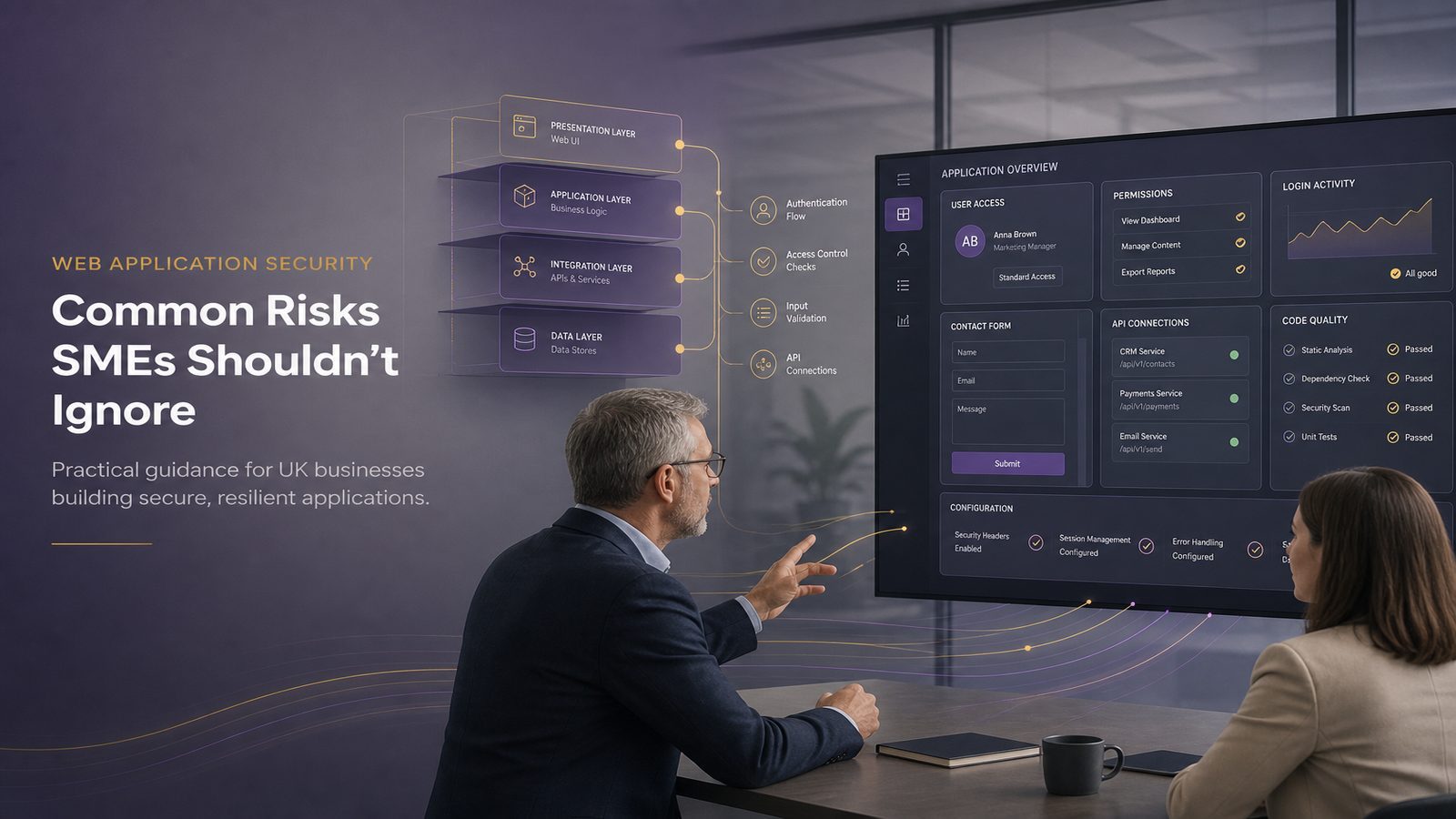
For many UK SMEs, a web application is not just a website. It is the place customers log in, place orders, book services, submit forms, or access account information. That means a weakness in the application can quickly become a business problem, not just a technical one.
The most common risks are often not exotic or highly advanced. They are usually basic weaknesses that were missed during design, development, testing, or routine maintenance. The cost can show up as lost sales, support calls, downtime, customer complaints, and damage to trust. In some cases, it can also lead to data loss or fraud.
This article explains the web application security risks SMEs should understand first, in plain English, and sets out practical ways to reduce them without turning every project into a security exercise.
Key takeaways
- Focus first on access control, input handling, authentication, configuration, dependencies, and sensitive data, because these are the issues that most often hurt SMEs.
- Treat web application security as a business risk, because failures can lead to lost sales, support burden, downtime, and damage to trust.
- Ask suppliers and developers clear questions about how they protect data, sessions, and permissions before a web app goes live.
- Test before release and after major changes so that common weaknesses are found before customers or attackers do.
What web application security risks mean for an SME
A web application security risk is any weakness that could let someone do something they should not be able to do. That might mean viewing another customer’s data, changing prices, taking over an account, or interrupting a service.
Why these risks matter for cost, downtime, and reputation
For an SME, the impact is usually immediate and visible. A weak application can lead to:
- Lost revenue if customers cannot buy, book, or log in.
- Extra support work if staff have to reset accounts or answer complaints.
- Reputational damage if customers believe their data is not safe.
- Recovery costs if developers, suppliers, and support teams have to stop normal work to fix the issue.
Even when a problem is discovered early, it can still be expensive to investigate, correct, retest, and explain to customers or partners. That is why it is better to build basic protections into the application from the start rather than treat security as a final check.
How web apps are commonly exposed through browsers, forms, and APIs
Most web applications accept input from users, browsers, mobile apps, or other systems. That input might be a name, password, search term, file upload, payment detail, or a request from another service. Every one of those entry points needs to be treated carefully.
Modern applications also rely on application programming interfaces, often shortened to APIs. These are the behind-the-scenes connections that let systems talk to each other. They are useful, but they can create risk if they are not protected in the same way as the main website. If you want a deeper look at one common API issue, see our article on testing web APIs for broken object level authorisation.
The most common web application security risks
Weak access control and users seeing data they should not
Access control means making sure people can only see or change what they are allowed to. This sounds simple, but it is one of the most common places where applications go wrong.
Examples include a customer being able to view another customer’s order, a staff member seeing records outside their role, or a user changing a setting they should not be able to reach. These issues can expose personal data, create fraud risk, and undermine confidence in the service.
Good access control is not just about login. It also means checking permissions every time a user tries to view a page, download a file, or submit a change.
Injection flaws caused by untrusted input
Injection flaws happen when an application uses input from a user or another system without handling it safely. The problem is that the application may treat that input as a command rather than as plain data.
For an SME, the business concern is not the technical detail but the result. A weakness like this can allow unauthorised access to data, unexpected changes to records, or service disruption.
The practical defence is straightforward in principle: never trust input, check that it is what you expect, and make sure the application handles it as data only. Our article on input validation, encoding, and output sanitisation techniques explains this in more detail.
Broken authentication and poor password handling
Authentication is how a system confirms someone is who they say they are. Weaknesses here can lead to account takeover, unauthorised access, and support overhead.
Common problems include weak password rules, passwords stored unsafely, poor reset processes, and missing protections against repeated login attempts. If an attacker can guess or steal credentials, they may be able to access customer accounts or internal systems without raising suspicion.
For SMEs, the practical aim is to make account compromise harder and less useful. That means strong password handling, multi-step verification where appropriate, safe reset processes, and alerts for unusual login behaviour.
Security misconfiguration and exposed admin functions
Many web application incidents start with something that was left in the wrong state. Examples include test pages left accessible, debug settings switched on, default passwords not changed, or admin functions exposed to the public internet.
These issues are often avoidable. They usually happen because the application was deployed quickly, settings were copied from a test environment, or nobody checked the live configuration before release.
Misconfiguration is especially risky because it can create an easy route in for an attacker. It can also reveal information that helps them find other weaknesses.
Outdated software and vulnerable third-party components
Most applications depend on other software components, libraries, and services. That is normal, but it means your risk is not limited to code your team wrote themselves.
If a component is outdated or has a known weakness, your application may inherit that risk. This can happen even if your own code is well written. For SMEs, this matters because a small team may not have a clear view of every dependency in use.
Keeping software current is one of the most cost-effective ways to reduce risk. It also helps to know what components you rely on, so you can act quickly when a problem is announced. Our article on managing end-of-life software risks for UK SMEs is a useful companion piece.
Sensitive data exposure through weak storage or transmission
Web applications often handle personal data, payment details, order history, health information, or internal business records. If that data is stored or transmitted badly, the impact can be serious.
Typical mistakes include sending data without proper protection, storing passwords incorrectly, keeping more data than necessary, or allowing sensitive information to appear in logs or error messages. Even when no one has deliberately attacked the system, these weaknesses can still lead to a reportable incident, customer concern, or contractual problems.
The business question is simple: if this data were exposed, how much would it cost to recover trust and continue trading normally?
Other risks SMEs should not overlook
Cross-site scripting and unsafe content handling
Cross-site scripting is a weakness where untrusted content is shown to users without being handled safely. In practical terms, it can let harmful content run in a visitor’s browser or interfere with what they see.
This matters because it can be used to steal session information, mislead users, or damage the credibility of your site. It is often introduced when applications display comments, profile fields, search results, or other user-generated content without proper checks.
Safe output handling is as important as safe input handling. If your application shows content from users, suppliers, or other systems, it should be treated carefully at every step.
File upload and file handling weaknesses
Many SMEs allow customers or staff to upload files such as images, forms, invoices, or reports. That is useful, but it also creates risk if the application does not check file type, size, or content properly.
Problems can arise when a file is accepted without being checked, stored in a public location, or processed by another service in an unsafe way. The result may be malware exposure, data leakage, or a route into the wider system.
Good file handling means limiting what is accepted, scanning where appropriate, storing files safely, and separating uploads from the rest of the application.
Session management problems and account takeover risk
A session is what keeps a user logged in after they enter their password. If session handling is weak, an attacker may be able to reuse a session, stay logged in too long, or take over an account.
Common mistakes include session tokens that do not expire properly, insecure cookies, or failure to log users out after sensitive actions. These are not always visible to customers, which is why they are easy to miss.
From a business point of view, poor session handling increases the chance of fraud, unauthorised access, and support issues. It is worth checking during design and testing, not after release.
Application programming interface risks in modern web services
APIs are now central to many web services. They connect mobile apps, customer portals, payment services, and internal tools. Because they are often designed for speed and convenience, they can be overlooked in security reviews.
Common API risks include missing access checks, excessive data exposure, weak authentication, and poor rate limiting. In plain English, that means an API may reveal too much, accept too many requests, or trust the caller too easily.
If your business relies on connected services, API security should be treated as part of the main application risk, not as a separate technical detail.
What the OWASP Top 10 means in plain English
Why OWASP is a useful starting point for prioritising risk
The OWASP Top 10 is a widely used list of common web application security risks. OWASP is a community that publishes practical guidance for application security, and the Top 10 is a useful way to start a conversation about what matters most.
You do not need to memorise the list. The value is in using it as a checklist of the most common problem areas: access control, input handling, authentication, configuration, and vulnerable components.
How the OWASP Top 10 helps non-technical leaders focus effort
For business owners and managers, the Top 10 helps you ask better questions. Instead of asking whether the application is “secure”, ask whether it has been checked for the issues that most often cause real-world harm.
That makes it easier to prioritise time and budget. It also helps you compare suppliers more fairly, because you can ask the same practical questions of each one.
How these risks typically affect UK SMEs
Customer data loss and privacy concerns
If a web application exposes customer data, the immediate concern is trust. Customers may worry about how their information is handled, whether they should continue using the service, and whether they need to take action themselves.
For an SME, the cost is not only the technical fix. It also includes communication, investigation, customer support, and possible contract pressure from partners.
Service disruption and lost sales
Some application weaknesses lead to downtime rather than data loss. A site may slow down, crash, or become unavailable if it is overloaded or misused. That can stop sales, delay service delivery, and create a backlog for staff.
Even short interruptions can be expensive if your business depends on online bookings, orders, or account access. If availability matters to revenue, it should be part of your security planning.
Fraud, account misuse, and support overhead
When attackers gain access to accounts, they may change details, place fraudulent orders, or use the account to reach other systems. Even if the impact is limited, the support burden can be significant.
Staff time spent resetting accounts, checking suspicious activity, and reassuring customers is time not spent on growth. That is why account protection is a business issue as much as a technical one.
Practical ways to reduce web application risk
Use secure coding, input validation, and access checks
Developers should check input carefully, handle output safely, and verify permissions every time a user requests data or performs an action. These are basic habits, but they prevent many common problems.
If you want a practical starting point for your team, our article on secure coding principles explained for product teams is a good companion.
Keep software and dependencies updated
Make sure the application, its supporting services, and its third-party components are kept up to date. This includes libraries used by developers and any platform components used to host the service.
It also helps to know which parts of the application are no longer supported, so you can plan replacements before they become urgent. If your business buys software rather than builds it, ask suppliers how they track and patch dependencies.
Protect secrets, sessions, and sensitive data
Passwords, API keys, and other secrets should never be stored in plain sight or shared casually between systems. Session tokens should be protected, expire appropriately, and be invalidated when needed.
Sensitive data should be limited to what is necessary, stored securely, and kept out of logs and error messages. If the data is not needed, do not keep it.
Test before release and after major changes
Security testing does not have to be complicated, but it should be regular. Test before a major release, after significant changes, and when a new supplier or component is introduced.
For SMEs, the aim is not perfection. It is to catch the most likely issues before customers do. If you want a practical overview of testing options, see our article on web application testing with Burp Suite.
A simple checklist for business owners and managers
Questions to ask your developers or supplier
- How do you stop users from seeing data they should not?
- How do you check that input from forms, uploads, and APIs is safe?
- How are passwords, login sessions, and reset processes protected?
- How do you keep software components updated and supported?
- How do you make sure sensitive data is not exposed in logs, errors, or reports?
- What testing is done before release, and who signs it off?
Minimum controls to expect before a web app goes live
- Access checks are in place for every sensitive function.
- Input is validated and output is handled safely.
- Default settings, test accounts, and debug features are removed.
- Passwords and session handling follow a clear standard.
- Dependencies are reviewed and updated regularly.
- Basic security testing has been completed and issues have been fixed or accepted with a clear reason.
If you are buying a web application from a supplier, these are sensible questions to include in procurement and review discussions. They do not need to be technical to be useful.
When to get outside help
Signs your web application risk is growing faster than your team
Outside help is worth considering when your application is changing quickly, your team is small, or you are unsure which risks matter most. It can also help if you are handling more customer data, integrating more third-party services, or preparing for a new contract that expects stronger assurance.
Another sign is repeated rework. If the same kinds of issues keep appearing, the problem may be in the way the application is designed or released, not just in one bug.
When a consultant can help you prioritise fixes without overcomplicating things
A good consultant should help you focus on the highest business risks first, not overwhelm you with a long list of technical findings. For SMEs, the value is often in prioritisation, supplier challenge, and practical next steps.
That might include reviewing your current controls, helping you decide what to fix before the next release, or shaping a simple improvement plan that fits your budget and team size.
If you would like a practical discussion about your own application risk, speak to a consultant.
Web application security is not just a developer concern. For SMEs, it affects revenue, customer trust, and the amount of time your team spends dealing with avoidable problems. The good news is that the most common risks are well understood and can be reduced with sensible habits, clear ownership, and regular testing.
Start with the basics: access control, input handling, authentication, configuration, dependencies, and sensitive data. If those areas are managed well, you will have reduced a large share of the risk that affects small and growing businesses.
Frequently asked questions
What are the most common security risks associated with web applications?
The most common risks are weak access control, unsafe handling of user input, broken authentication, security misconfiguration, outdated software components, and exposure of sensitive data. For many SMEs, these are the issues most likely to lead to data loss, downtime, or account misuse.
What is a common security risk in online systems?
A very common risk is poor access control, where a user can see or change information they should not be able to reach. This can expose customer data, create fraud risk, and damage trust in the service.
What do the OWASP Top 10 risks mean?
They are a widely used list of the most common web application security problem areas. In plain English, they help you focus on the risks that most often cause real-world harm, such as access control failures, injection flaws, and insecure configuration.
Comments are closed