
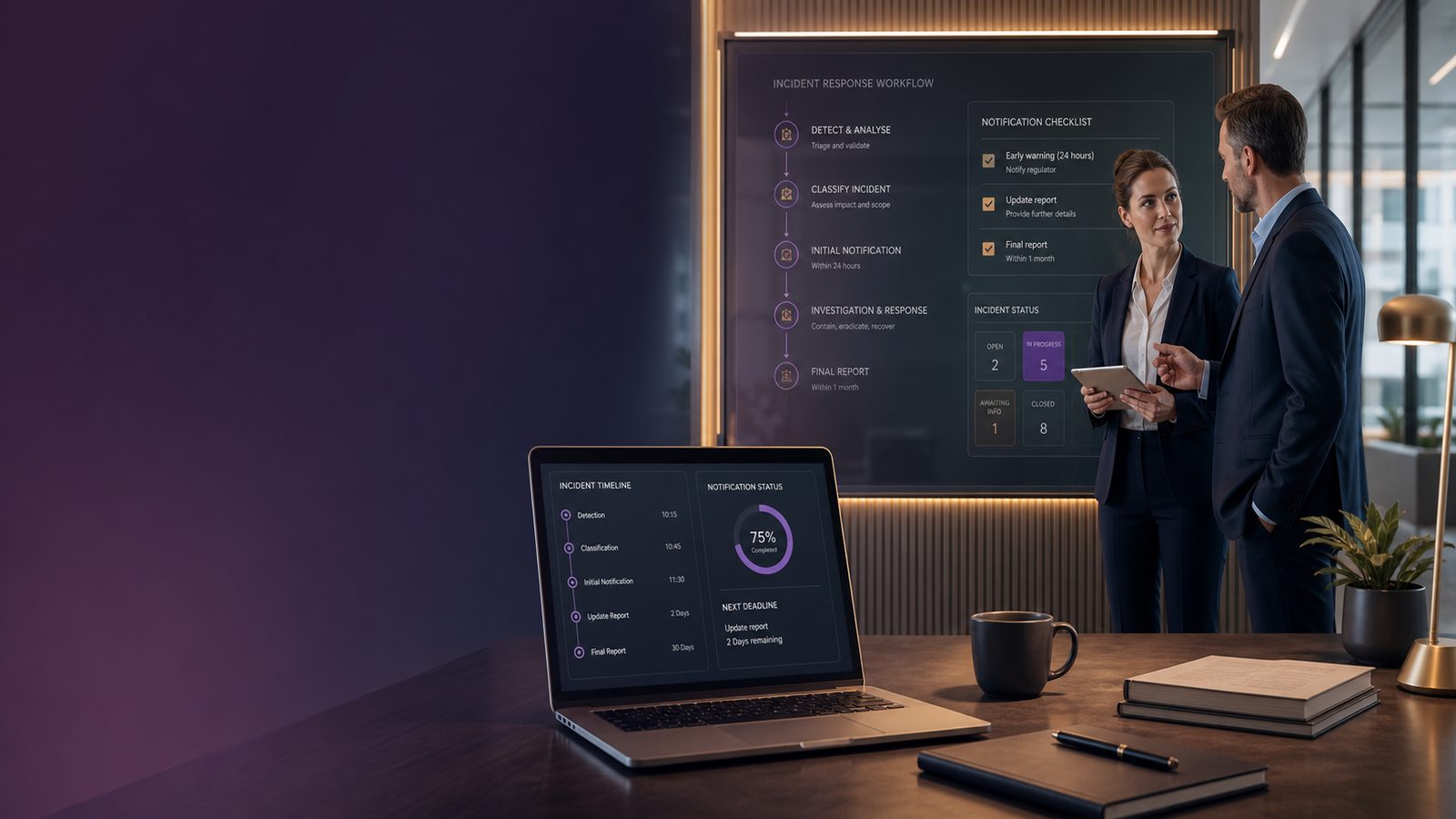
Incident reporting requirements under NIS2: a practical guide for UK SMEs
If your business is in scope for NIS2, incident reporting is not just a paperwork exercise. It can affect customer trust, supplier relationships, downtime, and the amount of time your team spends dealing with the fallout. A slow or messy response can turn a manageable security event into a much bigger business problem.
This guide explains incident reporting in plain English. It is written for UK SMEs that need practical steps, not legal theory. The aim is to help you understand what matters, who should act, and how to build a simple process that works under pressure.
What NIS2 incident reporting means in plain English
NIS2 is European cyber security legislation that places more emphasis on risk management, resilience, and reporting serious incidents. For businesses that fall within scope, the key point is that some incidents must be reported quickly and accurately.
In practice, that means you need to know three things:
- what kind of incident is serious enough to report,
- who inside your business is responsible for deciding and acting,
- what information you need to gather as soon as something happens.
Which organisations may need to care about it
NIS2 does not apply to every UK SME. However, many SMEs still need to care because they may be in scope directly, or because a larger customer, partner, or parent company expects them to support incident reporting.
Even if your business is not directly in scope, the same good habits still matter. A clear reporting process helps you respond faster, reduce confusion, and give customers more confidence when something goes wrong.
Why reporting speed and accuracy matter to the business
When an incident happens, the first few hours are often the most important. If people are unsure what to do, the business can lose time, make poor decisions, and miss important details.
Good reporting helps you:
- limit downtime,
- protect customer confidence,
- keep leadership informed,
- preserve evidence for later investigation,
- avoid contradictory messages to staff, customers, and suppliers.
What counts as a reportable incident
Not every security issue needs to be escalated in the same way. A single blocked phishing email is not the same as a confirmed compromise of business systems. The challenge for SMEs is knowing where to draw the line.
A reportable incident is usually one that has a meaningful effect on the confidentiality, integrity, or availability of your systems or data. In simpler terms, it is something that could expose information, alter records, or stop the business from operating normally.
Common examples SMEs can recognise early
Examples that may need urgent attention include:
- ransomware affecting files or systems,
- unauthorised access to email, cloud services, or customer records,
- loss of a device containing sensitive business data,
- major outage caused by a cyber attack,
- supplier compromise that affects your own service delivery,
- data being changed, deleted, or leaked without permission.
Some incidents start small and become serious later. For example, a suspicious login might seem minor at first, but if the attacker uses that access to move through your systems, the business impact can grow quickly.
How to separate a minor issue from a significant incident
A useful test is to ask four questions:
- Has the event affected real business operations?
- Could customer or staff information be exposed?
- Is there a chance the problem is spreading?
- Would a customer, supplier, or regulator expect to hear about this?
If the answer to any of these is yes, treat it as something that needs prompt review. You do not need to have every detail before escalating. It is better to raise a concern early than to wait until the picture is complete.
The reporting timeline and what to prepare first
One of the biggest mistakes SMEs make is waiting too long because they want certainty. In reality, incident reporting is usually a staged process. The first report is often based on what is known at the time, then updated as the situation becomes clearer.
The practical stages of notifying an incident
A simple way to think about the process is:
- Detect the issue and confirm it is not a false alarm.
- Escalate internally to the person or team responsible for incident decisions.
- Assess impact on systems, data, customers, and operations.
- Notify externally where required, using the right channel and the right level of detail.
- Update the report as more facts become available.
You do not need a large security team to do this well. You do need a clear sequence, a named owner, and a way to capture facts quickly.
The information you should be ready to collect quickly
When an incident is first discovered, aim to collect the basics:
- when it was first noticed,
- who found it,
- what systems or accounts are affected,
- what the business impact looks like so far,
- whether data may be involved,
- what action has already been taken,
- who has been informed internally.
Keep this information in one place. A simple incident log, shared document, or ticketing system is often enough for a small team, as long as it is used consistently.
Who should own incident reporting inside the business
Incident reporting should never depend on one person remembering what to do in a crisis. Ownership needs to be clear before anything happens.
Roles for leadership, IT, operations, and suppliers
In a small business, the roles can be straightforward:
- Leadership decides the business response and approves external communication where needed.
- IT or managed service providers investigate technical signs, contain the issue, and preserve evidence.
- Operations or customer-facing teams spot service disruption, customer complaints, or unusual behaviour.
- Suppliers may need to provide logs, confirm outages, or explain whether their service is involved.
If you use an external IT provider, make sure their responsibilities are written down. Do not assume they will automatically tell you everything you need to know. You should know who calls whom, how quickly, and what information they will provide.
How to avoid confusion when an incident happens
Confusion usually comes from unclear ownership. To reduce that risk:
- name one incident lead and one backup,
- keep contact details up to date,
- agree who can make the first external notification,
- define what counts as urgent,
- make sure staff know how to escalate out of hours.
For many SMEs, the biggest improvement is not buying a new tool. It is simply making sure the right people know what to do first.
How to build a simple reporting process for a small team
A good process should be easy to follow when people are busy, stressed, or working remotely. If it is too complicated, it will not be used properly during a real incident.
A basic internal escalation flow
Start with a simple flow such as:
- staff member spots a problem and reports it immediately,
- service desk or manager records the issue and alerts the incident lead,
- incident lead decides whether it is a security incident,
- technical support contains the issue and gathers evidence,
- leadership is briefed on business impact and next steps,
- external reporting is made if required.
This can be documented on one page. The goal is clarity, not complexity.
A checklist for making the process usable under pressure
Before you rely on your process, check that it answers these questions:
- Who answers the first call or message?
- What details must be recorded straight away?
- Who decides whether the incident is reportable?
- Who speaks to customers or suppliers?
- Where are logs, screenshots, and notes stored?
- What happens if the main incident lead is unavailable?
Run a short tabletop exercise, which is a discussion-based practice session, to test the process. Even a 30-minute exercise can reveal gaps that are hard to spot on paper.
How incident reporting links to wider security and resilience work
Incident reporting is easier when your wider security basics are in place. Good logging, monitoring, and response planning make it much simpler to understand what happened and when.
Why logging, monitoring, and response planning help
If your systems keep useful records, you can usually answer key questions faster. That means you can report with more confidence and avoid guessing.
Useful records include:
- login activity,
- administrator actions,
- changes to accounts or permissions,
- file access and deletion events,
- alerts from security tools,
- service outages and recovery actions.
Response planning also matters because it helps people act in the right order. If the team knows how to isolate a device, reset access, or preserve evidence, the business is less likely to make the situation worse while trying to fix it.
How supplier arrangements can affect reporting readiness
Many SMEs rely on outside providers for email, hosting, support, or security monitoring. That can be perfectly workable, but it means your reporting process depends partly on their speed and cooperation.
Check that your supplier arrangements cover:
- who notifies whom during an incident,
- how quickly they will share information,
- what logs or evidence they can provide,
- how service outages are confirmed,
- what support is available outside normal hours.
If a supplier is slow to respond, your own reporting may be delayed. That is why supplier readiness is part of incident readiness, not a separate issue.
Common mistakes SMEs should avoid
Most reporting problems are avoidable. They usually come from process gaps rather than technical failure.
Delays caused by unclear ownership
If nobody knows who is in charge, the incident can drift. People may assume someone else has escalated it, or they may wait for more evidence before acting. That delay can increase downtime and make the eventual report less accurate.
Clear ownership is one of the cheapest and most effective improvements you can make.
Incomplete records and inconsistent communication
Another common issue is poor note-taking. If details are scattered across emails, chat messages, and phone calls, it becomes hard to reconstruct what happened.
Keep one incident record and use it from the start. Also make sure internal and external messages are consistent. Mixed messages can damage trust and create avoidable confusion.
A practical action list for the next 30 days
If you want to improve readiness without overhauling everything, focus on a few practical steps.
Quick wins for improving readiness
- Write down who owns incident reporting.
- Create a one-page escalation flow.
- Set up a simple incident log template.
- List the information staff should capture first.
- Check out-of-hours contact details.
- Review supplier notification arrangements.
- Run a short practice session with leadership and IT.
These steps do not require a large budget. They do require attention and follow-through.
When to review your incident response plan
Review your plan after any real incident, after major business changes, and whenever you change key suppliers or systems. A plan that worked last year may no longer fit if your business has grown, moved to new cloud services, or outsourced more of its IT.
The best incident reporting process is one that people can actually use when something goes wrong. For SMEs, that usually means keeping it simple, assigning ownership clearly, and making sure the business can act quickly without waiting for perfect information.
If you want help turning this into a practical incident reporting process that fits your business, speak to a consultant.
Frequently asked questions
Does NIS2 apply to every UK SME?
No. It does not apply to every UK SME. However, some SMEs may be directly in scope, and many others may still need to support incident reporting because of customer, supplier, or group requirements. The safest approach is to check your position rather than assume you are out of scope.
What information should we capture when an incident is first discovered?
Capture the time it was noticed, who found it, what systems or accounts are affected, the likely business impact, whether data may be involved, what action has already been taken, and who has been informed. Keep it in one incident log so the information is easy to update and share.
Comments are closed