
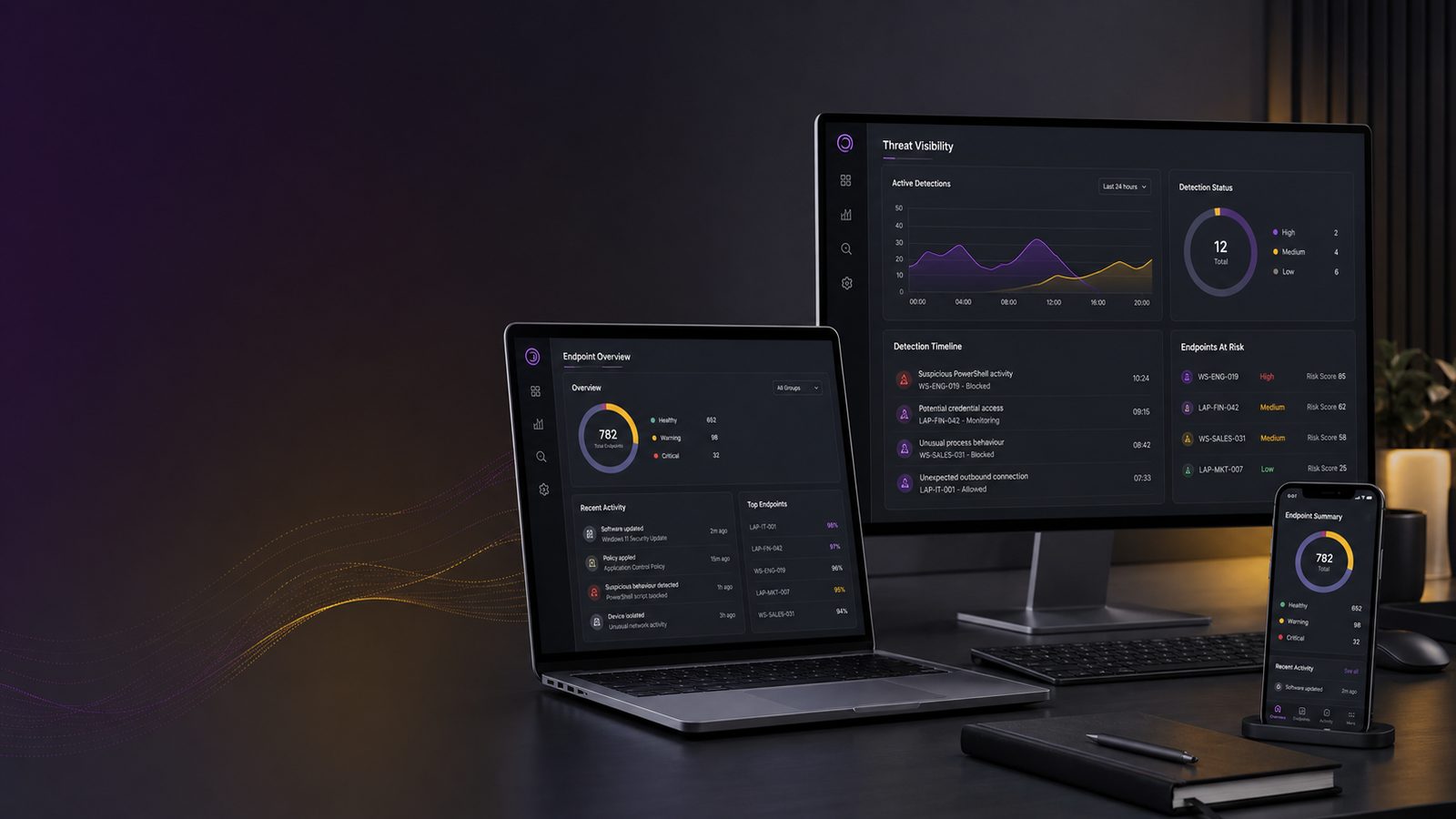
Why endpoint detection matters for organisations
For many UK SMEs, the biggest cyber risk is not a dramatic, obvious attack. It is the quiet one that goes unnoticed for days or weeks. A laptop is compromised, a password is stolen, or a trusted tool is misused, and the business only finds out once files are encrypted, money has moved, or customer data has been exposed.
That is why endpoint detection matters. It gives you visibility on the devices your people use every day, such as laptops, desktops, and servers. In plain terms, it helps you spot suspicious activity early enough to limit disruption, cost, and reputational damage.
If you already have basic protection in place, endpoint detection is the next step that turns a device from something you hope is safe into something you can actually monitor. It is also one of the most practical ways for a small business to improve its security without building a large internal team.
Key takeaways
- Endpoint detection helps SMEs spot suspicious activity on laptops, desktops, and servers before it turns into a larger incident.
- It works best when combined with identity controls, logging, and a clear process for reviewing alerts and taking action.
- The most important question is not how advanced the tool looks, but whether it covers your key devices and gives usable visibility.
- Small teams should start with their highest-risk devices and build a simple response process that people can actually follow.
What endpoint detection is, in plain English
Endpoint detection is software and monitoring that looks for signs a device is being used in a suspicious way. An endpoint is simply a device that connects to your business systems. That usually means laptops, desktops, servers, and sometimes mobile devices.
Basic antivirus mainly looks for known malicious files. Endpoint detection goes further. It watches behaviour as well as files. For example, it may notice a document application trying to launch a command line tool, a login from an unusual location, or a process that behaves like ransomware.
How it differs from basic antivirus
Antivirus is useful, but it is only one layer. It is strongest when it already knows what bad software looks like. Endpoint detection is designed to notice patterns that suggest something is wrong, even if the exact threat has not been seen before.
That matters because attackers often use legitimate tools already present on the device. They may not need to install obvious malware at all. A good endpoint detection capability can highlight those unusual actions and give your team time to investigate.
What counts as an endpoint in a small business
In a small business, endpoints are often the devices that hold the most valuable information and the easiest route into your systems. That includes:
- Staff laptops and desktops
- Shared office computers
- File servers and application servers
- Remote working devices
- Admin workstations used by IT or finance staff
These devices matter because they are where people read email, open attachments, access cloud services, and handle sensitive data. If one is compromised, the impact can spread quickly.
Why endpoint detection matters for SMEs
For an SME, the value of endpoint detection is not just technical. It is business protection. A compromise that goes unnoticed can lead to downtime, lost sales, recovery costs, and a loss of trust from customers or suppliers.
Small businesses often have fewer people, less spare capacity, and less tolerance for disruption. That means early detection is especially important. The sooner you know something is wrong, the more options you have.
Reducing the time attackers can stay hidden
One of the main reasons incidents become expensive is delay. If an attacker can sit inside your environment unnoticed, they can gather credentials, move between systems, and prepare a larger attack. Endpoint detection helps reduce that hidden time.
That does not mean every alert is a serious incident. It does mean you are more likely to see the warning signs before the problem becomes widespread. For a small organisation, that can be the difference between a contained issue and a business interruption.
This is also where endpoint detection complements wider monitoring. If you want a broader view of how these layers work together, our article on unified threat detection across endpoint, identity, and network explains the bigger picture.
Protecting business continuity, reputation, and customer data
Most SMEs cannot afford prolonged downtime. If staff cannot access files, process orders, or respond to customers, the financial impact is immediate. There is also the reputational side. Customers and suppliers expect you to handle their information responsibly and to recover quickly when things go wrong.
Endpoint detection helps by giving you a better chance of stopping suspicious activity before it affects operations. It also supports better decision-making during an incident because you have more evidence about what happened and when.
What endpoint detection can help you spot
A good endpoint detection tool is not just a box that produces alerts. It is a source of practical warning signs. For SMEs, the most useful detections are usually the ones that point to real business risk rather than technical noise.
Suspicious logins, unusual processes, and malware activity
Endpoint detection can help identify:
- Logins at unusual times or from unexpected locations
- Programs launching in ways that do not match normal use
- Files being changed or encrypted at unusual speed
- Security tools being disabled or tampered with
- Unexpected connections to external systems
These signs do not always mean an attack is underway, but they are worth reviewing. In a small business, the goal is not to investigate every technical detail. It is to know which alerts need attention and which can be safely ignored.
Signs of ransomware, stolen credentials, and misuse of trusted tools
Endpoint detection is particularly useful for spotting the early signs of ransomware. That might include rapid file changes, unusual use of administrative tools, or attempts to stop backups and security software.
It can also help detect stolen credentials being used from a device that does not normally behave that way. For example, if a finance user account starts accessing systems it has never touched before, that is a warning sign worth checking.
Another common issue is misuse of trusted tools. Attackers often use built-in system tools because they look legitimate. Endpoint detection can help flag those patterns, which is especially important when the activity would otherwise blend in with normal administration.
If you want a deeper view of the device-level techniques behind this, our article on endpoint and memory forensics fundamentals for UK SMEs shows why device evidence matters after suspicious activity is found.
Where endpoint detection fits in your wider security setup
Endpoint detection is valuable, but it is not a complete security strategy on its own. It works best as part of a wider set of controls that includes identity protection, logging, and network monitoring.
Why it works best alongside identity, logging, and network monitoring
Think of endpoint detection as one lens. It shows what is happening on the device. Identity controls show who is trying to access your systems. Logging shows what happened across your environment. Network monitoring shows where traffic is going.
When these are combined, you get a much clearer picture. For example, a suspicious login on a laptop becomes more meaningful if the same account is also being used from an unusual location and the device is making strange outbound connections.
That is why endpoint detection should be part of a joined-up approach rather than a standalone purchase. If you are building that wider picture, our guide to endpoint hardening using CIS Benchmarks for UK SMEs is a useful companion piece because detection is stronger when devices are also configured sensibly.
What it does not replace
Endpoint detection does not replace good device setup, user training, backups, or access control. It also does not remove the need for someone to review alerts and decide what to do next.
In other words, the tool is only part of the answer. If devices are poorly managed, if staff can install anything they like, or if nobody checks alerts, the value drops quickly. The best results come when detection supports a clear process.
Common gaps that leave organisations exposed
Many SMEs buy security tools but still miss important risks because of gaps in coverage or process. Endpoint detection is no exception.
Unmanaged devices and shadow IT
If some devices are not enrolled in your security tools, they are effectively invisible. That includes old laptops, contractor devices, personal devices used for work, and systems that were set up outside normal IT processes.
These unmanaged devices can become weak points. They may not receive updates, they may not report suspicious activity, and they may still have access to business data. A sensible first step is to know exactly which devices are in use and whether they are covered.
For SMEs, this is often more important than buying more features. You cannot protect what you cannot see.
Alerts that nobody reviews or acts on
Another common gap is alert fatigue. A tool may generate warnings, but if nobody owns them, they do not improve security. They just create noise.
Small teams need a simple review process. That does not have to be complex. It should answer three questions: who checks alerts, how quickly they check them, and what happens when something looks suspicious.
Without that process, endpoint detection becomes a reporting tool rather than a defensive control.
How to judge whether your endpoint detection is good enough
Not every product or service will suit every SME. The right question is not whether a tool sounds advanced. It is whether it gives you usable protection for your business.
Coverage, visibility, and response capability
Start with coverage. Are all important devices included? Are remote laptops, servers, and admin systems covered? If not, there will be blind spots.
Next, look at visibility. Can you see what the tool is detecting in plain language? Can you tell which device is affected, which user is involved, and what happened before and after the alert?
Finally, consider response capability. Can the tool help isolate a device, stop a process, or support investigation? Even if you do not use every function, it helps to know the option is there.
False positives, reporting, and ease of use for small teams
For an SME, a tool that generates too many false alarms can become a burden. False positives are alerts that turn out not to be a real problem. Some are unavoidable, but too many will waste time and reduce trust in the system.
Look for clear reporting that helps non-specialists understand what is happening. You should be able to answer basic questions such as: what was detected, how serious is it, what action was taken, and what remains unresolved?
Ease of use matters too. If the system is so complicated that only one person can manage it, that creates risk. Small teams need something that can be operated consistently, even when staff are away or busy.
Practical steps for SMEs getting started
You do not need to do everything at once. A phased approach is usually more realistic and more effective.
Start with your most important devices and users
Begin with the devices that would cause the most disruption if compromised. That usually means:
- Senior staff laptops
- Finance devices
- Administrator workstations
- Servers holding important data
- Any device used to access customer or payment information
These are the places where early detection has the highest value. Once those are covered and working well, you can extend protection to the rest of the estate.
Build a simple review and response process
Keep the process straightforward. A good starting point is:
- Decide who receives alerts
- Set a target time to review them
- Define what counts as urgent
- Agree who can isolate a device or reset access
- Record what was found and what action was taken
This does not need to be a large playbook. It just needs to be clear enough that people know what to do when something suspicious appears.
If you are also thinking about what happens after an alert becomes an incident, our article on preparing your organisation for security incidents is a useful next step.
Questions to ask before buying or renewing a tool
Before you commit budget, ask practical questions that relate to your business rather than the sales pitch.
What it detects, how it alerts, and who will manage it
Ask what the tool is actually designed to detect. Does it focus on malware, suspicious behaviour, or both? Does it cover the devices you use most? Can it alert in a way your team can act on quickly?
Also ask who will manage it day to day. If the answer is “no one in particular”, that is a warning sign. A tool without ownership rarely delivers its full value.
How it supports your business priorities and existing controls
Endpoint detection should support your wider priorities. That might mean protecting customer data, reducing downtime, supporting remote work, or improving resilience for supplier requirements.
It should also fit with what you already have. If you already use central logging, identity controls, or managed IT support, the new capability should add value rather than duplicate effort.
For many SMEs, the best choice is not the most feature-rich option. It is the one that gives clear visibility, sensible alerts, and a manageable response process.
Frequently asked questions
What is the purpose of an endpoint?
An endpoint is a device that connects to your business systems, such as a laptop, desktop, or server. Its purpose is to let people work, access data, and use applications. Because endpoints are where users interact with your systems, they are also a common place for cyber attacks to begin.
What are the top 5 EDR tools?
EDR means endpoint detection and response. There is no single best tool for every organisation, because the right choice depends on your size, budget, existing systems, and who will manage it. Rather than focusing on a top five list, it is better to compare tools on coverage, alert quality, ease of use, and how well they fit your business needs.
If you are reviewing your current setup or planning a change, we can help you think through the practical trade-offs and how endpoint detection fits into a wider security approach. Speak to a consultant if you would like a straightforward discussion about your options.
Comments are closed