
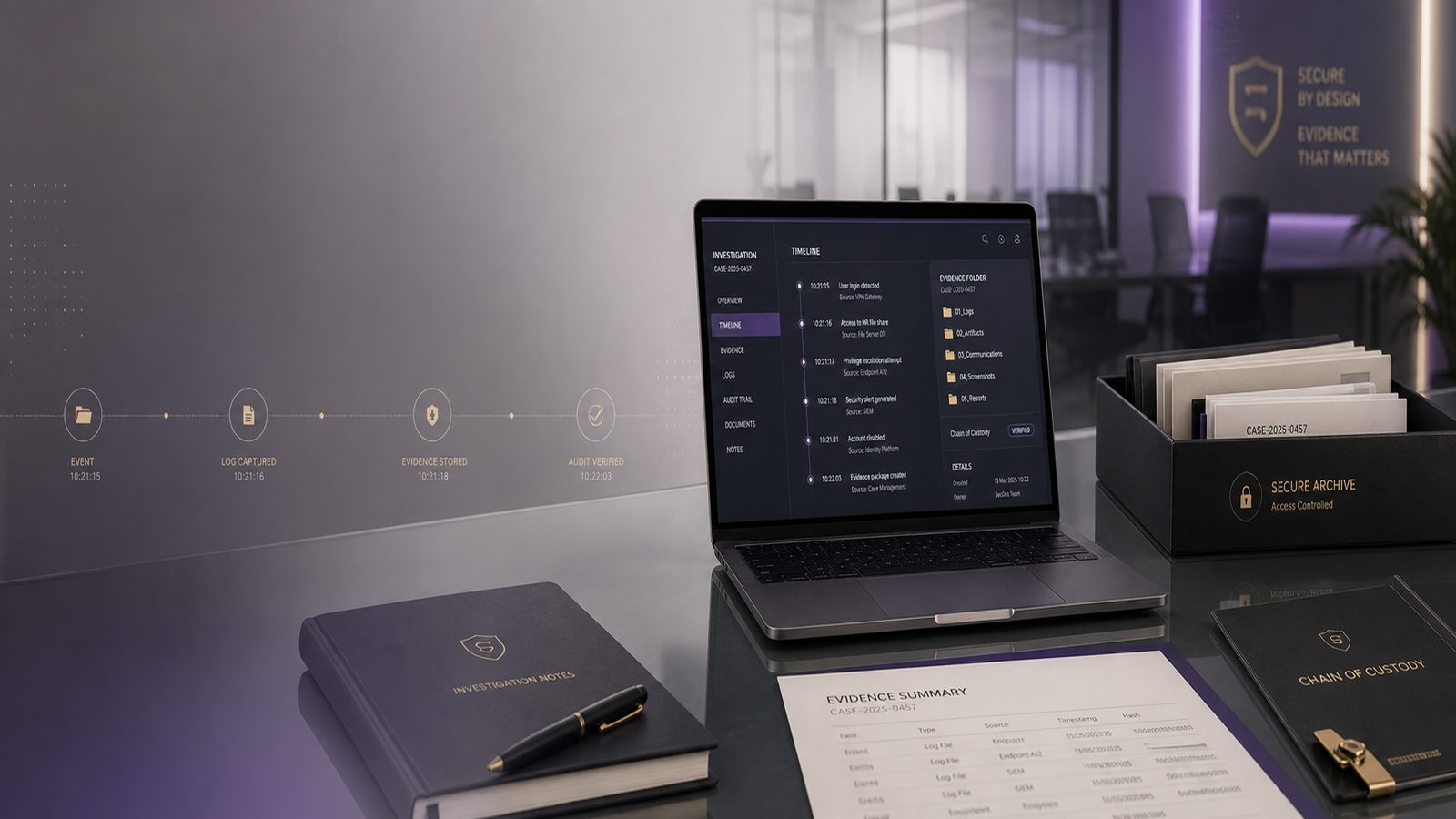
Retaining evidence and logs for investigations: a practical guide for UK SMEs
When something goes wrong, the quality of your records can make the difference between a quick, controlled response and a long, costly disruption. For a small business, that matters in very practical terms: lost time, higher recovery costs, damaged customer trust, and more uncertainty when you are trying to work out what happened.
Retaining evidence and logs for investigations is not about keeping everything forever. It is about keeping the right information for long enough, in a way that makes it usable later. If you do this well, you give yourself a better chance of understanding the incident, supporting insurance discussions, making sensible decisions, and improving your defences afterwards.
Why evidence retention matters for a small business
Most SMEs do not have a large security team or a dedicated investigation function. That means the records you already hold often become the main source of truth after an incident. If those records are missing, incomplete, or overwritten, you may never get a clear answer.
How logs support investigations, insurance claims, and internal decisions
Logs are the digital records created by your systems. They can show when a user signed in, what device connected, which files were accessed, or whether an alert was triggered. In plain English, they help you answer questions such as:
- What happened first?
- Which accounts or devices were involved?
- How far did the issue spread?
- What was affected and what was not?
- Did the problem start with a person, a device, or a supplier system?
That information is useful well beyond the technical team. It can help senior staff decide whether to pause a process, notify customers, involve insurers, or bring in outside support.
The business risks of losing evidence too soon
If you delete records too early, you may lose the chance to reconstruct the incident. That can lead to:
- Longer downtime while staff guess what happened
- Higher external investigation costs
- Weak or inconsistent internal reporting
- Difficulty proving the scope of the incident
- More disruption when customers or suppliers ask for answers
In short, poor evidence retention turns a manageable event into a more expensive one.
What counts as useful evidence
Useful evidence is not limited to technical logs. In many cases, the most helpful picture comes from combining system records with human notes and operational records.
System logs, email records, cloud audit trails, and endpoint alerts
For most SMEs, the following are worth keeping when an incident is suspected:
- Sign-in records and account activity
- Email records linked to suspicious messages or account misuse
- Cloud service audit trails, such as file access or admin changes
- Endpoint alerts from laptops and desktops, if you use them
- Firewall or network logs, where available
- Back-up job logs and restore records
- Change records showing what was altered and when
You do not need to become a forensic specialist to recognise the value of these records. If a system can show who did what, when, and from where, it may be useful later.
Screenshots, tickets, and notes from staff who spotted the issue
Human evidence matters too. Staff often notice the first signs of a problem before any system alert appears. Keep:
- Screenshots of suspicious messages, pop-ups, or error screens
- Helpdesk tickets and incident reports
- Notes from staff who saw unusual behaviour
- Times and dates of phone calls, emails, or meetings about the issue
- Any instructions given to staff during the response
These records help fill gaps in the technical data and can be especially useful when you are trying to build a timeline.
How long to keep different types of records
There is no single retention period that fits every business. The right answer depends on the type of record, the risk involved, and whether an issue is still active. A practical approach is to set a normal retention period, then extend it when there is a live investigation or a known concern.
Practical retention periods based on business risk and incident type
As a starting point for SMEs, consider the following approach:
- Routine security logs: keep long enough to spot trends and investigate common issues, often measured in weeks or months rather than days
- High-value system logs: keep longer where the system holds sensitive data, supports finance, or is critical to operations
- Incident-related evidence: keep until the issue is closed and any follow-up actions are complete
- Change records and admin activity: keep long enough to explain who changed what and why
- Staff notes, screenshots, and tickets: keep with the incident record so the full story is preserved
The key point is consistency. If one system keeps records for 30 days and another for 90 days, you may lose the evidence you need before you even realise there is a problem.
When to keep data longer because an issue is still being investigated
If an incident is ongoing, or if there is any chance it may become a dispute, do not delete the relevant records on the usual schedule. Put them on hold until the matter is resolved. That includes:
- Logs linked to the affected user accounts
- Logs from the affected devices or servers
- Email and cloud records connected to the event
- Internal notes and decision records
This simple step prevents accidental loss of evidence while the business is still trying to understand the impact.
How to store evidence safely
Good evidence is only useful if it can be trusted later. That means storing it in a way that reduces the risk of tampering, accidental deletion, or confusion over which copy is the original.
Keeping records tamper-resistant and access-controlled
Limit access to evidence to the people who genuinely need it. Keep a record of who accessed it and when. If possible, store evidence in a location where it cannot be edited without leaving a trace.
For SMEs, this does not need to be complicated. A sensible setup might include:
- A restricted folder or case management area for incident records
- Named owners for each investigation
- Access logs showing who viewed or copied files
- Clear naming so files are easy to identify later
The aim is not perfection. The aim is to make the evidence reliable enough that you can trust it during a review.
Using separate storage so evidence is not overwritten or deleted
Do not rely on the same system that created the logs to keep them forever. Many systems overwrite older records automatically. If that happens, the evidence may disappear before anyone notices.
Where possible, copy important records into separate storage as soon as an incident is suspected. That gives you a protected version that is less likely to be lost during routine system maintenance or normal log rotation.
How to preserve logs without creating extra work
Small teams often avoid retention planning because they think it will create more admin. In practice, a few simple habits can reduce the burden significantly.
Simple collection habits for small teams
Build a short checklist for the first person who spots a possible incident. It should tell them to:
- Note the time and date
- Capture screenshots if relevant
- Record the user, device, and system involved
- Tell the right person before changing or deleting anything
- Preserve the relevant logs and tickets
That checklist can save hours later because it stops people from making well-meaning but damaging changes.
What to automate and what to leave manual
Automate the routine collection of logs where you can. For example, many cloud and security tools can forward records to a central location automatically. That reduces the chance of gaps.
Keep the decision to preserve incident evidence manual. A person should still decide when a normal retention schedule needs to be paused. That judgement matters because not every alert is a real incident, and not every record needs to be kept longer.
Common mistakes that weaken investigations
Most evidence problems come from simple process gaps rather than sophisticated attacks. The good news is that these are usually easy to fix.
Relying on one system to keep everything
If all your records live in one place, a single failure, misconfiguration, or deletion can remove your ability to investigate. Spread the risk by keeping copies of important records in a separate, controlled location.
Deleting logs too early or not recording who accessed them
Two common mistakes cause a lot of trouble:
- Logs are deleted before the business realises they are needed
- No one can prove who viewed or changed the evidence
Both problems make it harder to trust the record later. If you are not sure, keep the evidence and review it before deciding what can safely be removed.
A practical retention checklist for SMEs
Before deleting any record linked to a possible incident, ask:
- Is this record connected to an open issue?
- Could it help explain what happened, when, or how far it spread?
- Has anyone asked for it to be preserved?
- Is there a customer, supplier, insurer, or internal reason to keep it longer?
- Has it been copied to a safe location first?
- Do we know who has accessed it?
Then decide who owns the process. In many SMEs, this will be the IT lead, operations manager, or a trusted senior manager. The important thing is that one person is accountable for making sure evidence is preserved and reviewed at the right time.
When to bring in outside help
Some incidents stay small. Others need more structured handling. Outside help can be useful when the issue affects multiple systems, involves sensitive data, or creates uncertainty about what happened first.
Signs the incident is beyond internal handling
Consider external support if:
- You cannot tell which systems were affected
- Logs are missing or incomplete
- The incident may involve a supplier or third party
- There is a risk of repeat compromise
- Senior staff need a clearer timeline or impact summary
An experienced consultant can help you organise the evidence, preserve what matters, and improve your process for next time. That is often more valuable than trying to improvise under pressure.
How a consultant can help organise evidence and improve readiness
Practical support usually includes reviewing what records you already have, identifying gaps, setting sensible retention periods, and creating a simple process for future incidents. For SMEs, that can mean less confusion, faster decisions, and a better chance of recovering with confidence.
If you want help turning this into a workable process for your business, speak to a consultant.
Frequently asked questions
What logs should a small business keep after a suspected incident?
Keep the logs that show who accessed what, when, and from where. That usually includes sign-in records, email activity, cloud audit trails, endpoint alerts, firewall logs where available, and any helpdesk tickets or screenshots linked to the event.
How long should UK SMEs retain evidence and logs for investigations?
There is no single fixed period for every business. Keep routine logs long enough to support normal monitoring, and keep incident-related evidence until the issue is closed and any follow-up work is complete. If there is an active investigation, place the relevant records on hold and do not delete them on the usual schedule.
For many SMEs, the best approach is simple: decide what you need to keep, store it safely, and make sure someone owns the process. That gives you a stronger position if something goes wrong and helps you respond with less disruption.
Comments are closed