
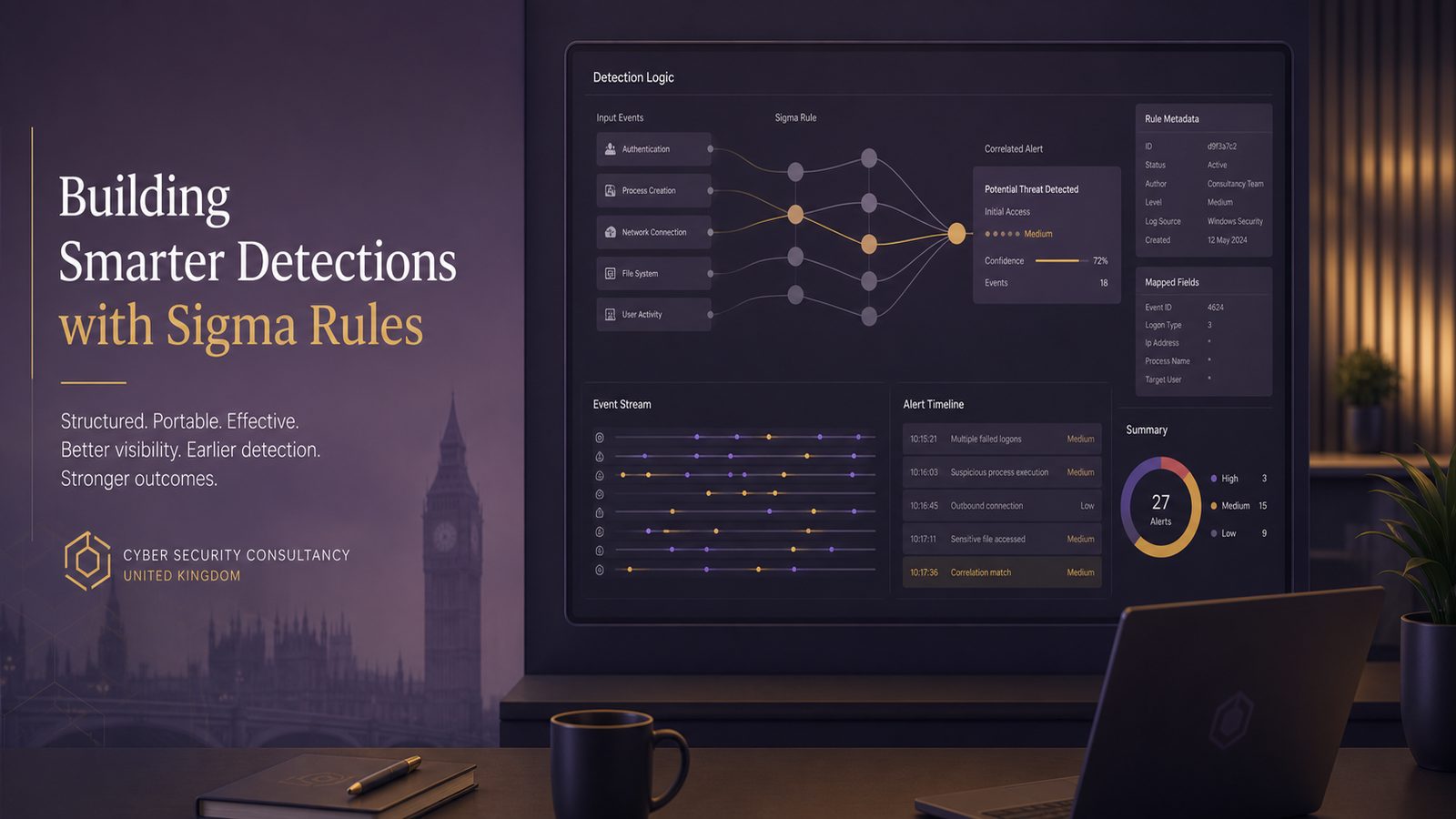
Building SIEM detections using Sigma rules
For many UK SMEs, the challenge is not collecting logs. It is turning those logs into detections that actually help you spot suspicious activity early enough to act. Sigma is useful here because it gives you a common way to describe detections before converting them into the query language of a specific SIEM. In practice, that means you can write once, adapt to multiple back ends, and keep a clearer view of what each detection is meant to catch.
The important point is that Sigma is not a replacement for telemetry design, log normalisation, or SIEM tuning. It is a detection authoring layer. If your endpoint, identity, and cloud logs are incomplete, inconsistent, or poorly retained, Sigma will not fix that. But if you already have a reasonable logging foundation, Sigma can make detection engineering more structured and more maintainable.
Why Sigma fits modern detection engineering
What Sigma is and where it sits in the detection stack
Sigma is a generic rule format for describing log-based detections. A Sigma rule usually defines the event source, the fields to inspect, the matching logic, and the intent of the detection. The rule is then converted into a SIEM-native query, such as KQL in Microsoft Sentinel, SPL in Splunk, or another backend syntax supported by your tooling.
That separation matters. It lets you focus on the behaviour you want to detect, rather than rewriting the same logic in several query languages. It also makes peer review easier, because the rule is readable as a detection specification rather than a platform-specific query.
In a small security team, this can reduce duplication and improve consistency. A rule written to detect suspicious PowerShell use, for example, can be reviewed once, tested against your telemetry, and then deployed to the relevant SIEM backend with local adjustments where needed.
When Sigma is a better fit than writing SIEM-native rules first
Sigma is especially helpful when you want portability, version control, and a repeatable workflow. It is a good fit when:
- you operate more than one log platform, or expect to migrate later
- you want a shared detection library across analysts
- you need a reviewable format for change control
- you want to separate detection intent from backend syntax
Writing SIEM-native rules first can still make sense for fast, platform-specific work, particularly if you need to use a backend feature that Sigma does not express cleanly. But for a growing SME, starting with Sigma often gives you a better long-term structure. It encourages you to think in terms of behaviour, not just query fragments.
Set up a practical Sigma workflow
Source control, rule structure, and naming conventions
Treat Sigma rules like code. Store them in source control, ideally in a repository with a simple folder structure by tactic, data source, or use case. Keep each rule small and focused on one behaviour. A rule that tries to detect too many things at once becomes hard to tune and harder to trust.
A practical structure might include:
- a
rulesdirectory for production-ready detections - a
testsdirectory for sample events and validation artefacts - a
notesdirectory for tuning decisions and assumptions
Use a naming convention that explains the intent. For example, a rule name should make it obvious whether it is looking for suspicious parent-child process chains, identity abuse, or cloud control plane activity. Good names help analysts triage alerts quickly and make it easier to understand the detection library later.
Include metadata in each rule, such as the log source, severity, status, references, and the MITRE ATT&CK technique where relevant. This is not just documentation. It helps with prioritisation, reporting, and coverage analysis.
Using Sigma tools to validate and convert rules
Before a rule reaches production, validate it. Sigma tooling can check syntax, confirm required fields, and convert the rule into backend-specific queries. The exact toolchain depends on your environment, but the workflow is broadly the same:
- write the Sigma rule in YAML
- validate the structure and field names
- convert it to the target SIEM query language
- test the generated query against representative logs
- review the alert volume and false positives
For example, if you are using Microsoft Sentinel, you would usually convert the Sigma rule into KQL and then test it in the Logs interface or in a scheduled analytics rule. If the generated query is too broad, or if the field mapping is weak, you adjust the Sigma rule rather than patching the backend query in an ad hoc way. That keeps the source of truth in one place.
It is also worth checking how your SIEM handles case sensitivity, null values, arrays, and nested fields. Sigma may express the detection clearly, but the backend conversion can behave differently depending on the log schema. This is one of the main reasons to test with real data rather than assuming the conversion is exact.
Design detections around attacker behaviour
Mapping rules to MITRE ATT&CK techniques
MITRE ATT&CK is useful because it gives you a shared language for attacker behaviour. When you map Sigma rules to ATT&CK techniques, you make the detection library easier to reason about. You can see whether you are covering initial access, execution, persistence, privilege escalation, or lateral movement, and where the gaps are.
For a small team, this is more practical than trying to cover every possible indicator. Behaviour-based detections tend to age better than pure indicator matching. A hash or domain can change quickly. A suspicious process tree, unusual logon pattern, or abnormal use of administrative tooling is often more durable.
Start with the techniques most relevant to your environment. For many SMEs, that means identity abuse, remote execution, scripting abuse, and suspicious use of built-in tools. These are common paths into a compromise and often generate useful telemetry if your logging is configured properly.
Choosing high-signal telemetry from Windows, identity, endpoint, and cloud logs
The quality of a Sigma rule depends heavily on the log source. High-signal telemetry is more valuable than large volumes of low-value events. In practice, the most useful sources for many SMEs include:
- Windows Security Event Logs for logon activity, account changes, and privilege use
- Sysmon for process creation, network connections, and image loads
- identity provider logs for sign-in anomalies and account manipulation
- endpoint security telemetry for suspicious script execution and tampering
- cloud audit logs for administrative actions and configuration changes
Normalisation matters here. If one source records a username as user@domain and another as DOMAIN\user, your detections will be harder to maintain. Before you build a large Sigma library, make sure your field mapping is consistent enough that the same logical condition means the same thing across sources.
Write rules that are maintainable and portable
Selecting fields, conditions, and filters that survive backend conversion
Portable Sigma rules tend to use stable fields and clear conditions. Avoid over-reliance on backend-specific quirks. Where possible, anchor the rule on fields that are consistently populated across your environment, such as process name, parent process name, command line, account name, host name, and event ID.
Be careful with overly complex logic. A rule with too many nested conditions may convert poorly or behave differently across SIEMs. Simpler rules are easier to test and easier to explain to stakeholders. If you need more nuance, it is often better to split one broad idea into several smaller detections.
Also think about how the rule will age. A detection that depends on a single exact command line string may be brittle. A rule that looks for a suspicious combination of parent process, child process, and command-line fragments is usually more resilient, provided it is still specific enough to avoid noise.
Handling environment-specific exclusions without hiding real activity
Every environment has legitimate exceptions. Admin tools, automation accounts, software deployment systems, and service accounts can all generate noisy events. The risk is that exclusions become so broad that they hide the very behaviour you want to detect.
Use exclusions sparingly and document why they exist. Prefer scoped filters over blanket suppression. For example, exclude a known management host, a specific service account, or a controlled software deployment path rather than excluding an entire process family everywhere.
It is also sensible to separate detection logic from suppression logic where your platform allows it. Keep the Sigma rule focused on the suspicious behaviour, then apply environment-specific suppression in the SIEM layer or in a controlled tuning list. That makes it easier to review what has been suppressed and why.
Build for quality, not just coverage
Reducing false positives with baselining and suppression logic
Coverage is only useful if the alerts are actionable. A detection that fires constantly will be ignored. Baseline the normal behaviour of your environment before you finalise a rule. Look at who generates the event, how often it occurs, from which hosts, and at what times.
For example, a PowerShell-related detection may be valid but noisy if your IT team uses automation heavily. In that case, you may need to distinguish between interactive use, signed scripts, encoded commands, and known management hosts. The point is not to suppress everything legitimate. The point is to preserve signal.
Suppression logic should be reviewed regularly. If a suppression has been in place for months, ask whether it is still needed, whether the underlying process has changed, or whether the rule should be rewritten to be more precise. Tuning is part of detection engineering, not a one-off clean-up task.
Testing rules against known benign and malicious patterns
Test each rule against both benign and suspicious examples. You do not need a full adversary simulation programme to do this well. A small set of representative logs can go a long way. Include:
- normal user activity
- administrator activity
- automation and software deployment activity
- known suspicious patterns from your own environment or lab
Where you have the capability, use controlled test events to confirm that the rule fires as expected. The aim is to validate the logic, not to recreate an attack. If a rule does not behave predictably in test, it will be harder to trust in production.
Track the outcome of each test. Record whether the rule matched, whether the alert was useful, and whether any field mapping or conversion issues appeared. This creates a feedback loop that improves the whole detection programme.
Operationalise Sigma in a small security team
Promotion from draft to production and change control
In a small team, it helps to define a simple lifecycle for Sigma rules. A practical model is draft, tested, tuned, approved, and production. Each stage should have a clear owner and a short checklist.
For example, a rule should not move into production until you have confirmed:
- the log source exists and is retained long enough
- the rule converts correctly to the target SIEM
- the alert has a named owner
- the expected response action is documented
- the false positive rate is acceptable
Change control does not need to be heavy-weight. A lightweight review by a second analyst or engineer is often enough, provided the rule, test evidence, and tuning notes are all visible. This is especially important where detections may affect operational teams or trigger response actions.
Tracking rule performance, alert volume, and tuning decisions
Once a rule is live, measure it. Useful metrics include alert volume, true positive rate, false positive rate, time to triage, and the number of times a rule has been tuned. If a rule is generating many alerts but few useful outcomes, it may need refinement or retirement.
Keep a short tuning log for each rule. Note what changed, why it changed, and what effect it had. Over time, this becomes valuable operational knowledge. It also helps when staff change, because the reasoning behind a detection remains visible.
For SMEs, this is often the difference between a detection library that matures and one that slowly becomes clutter. A small number of well-maintained rules is usually more valuable than a large number of noisy ones.
Common implementation pitfalls
Overly broad matching and weak field normalisation
The most common mistake is writing rules that are too broad. A detection that matches on a generic process name or a vague command-line fragment will often produce noise. Another common issue is inconsistent field naming between sources, which makes the same rule behave differently depending on where the event came from.
To reduce this risk, define your field mapping early and test it against real logs. If your SIEM ingests data from multiple sources, confirm that process, user, host, and event fields are normalised in a way that supports detection logic. Otherwise, you will spend more time compensating for schema differences than improving coverage.
Relying on Sigma without understanding SIEM backend limitations
Sigma is portable, but not magical. Every backend has limitations. Some query engines handle nested logic better than others. Some support richer matching on arrays or regular expressions. Some have different performance characteristics when a rule is scheduled at scale.
Do not assume that a rule that validates cleanly will behave identically in production. Review the generated query, test it against your actual data, and understand how the SIEM schedules, deduplicates, and suppresses alerts. If the backend cannot express the detection cleanly, you may need to simplify the Sigma rule or accept a platform-specific implementation.
A starter Sigma use case for SMEs
Example detection priorities for identity abuse, PowerShell misuse, and suspicious parent-child process chains
If you are starting from a small detection set, focus on a few high-value behaviours first. Three useful priorities for many SMEs are:
- identity abuse, such as unusual sign-in patterns or suspicious account changes
- PowerShell misuse, especially when combined with encoded commands or unusual parent processes
- suspicious parent-child process chains, such as office applications spawning script interpreters or command shells
These are not the only detections worth building, but they are often practical starting points because they map to common attacker behaviour and can be supported by standard telemetry. They also give you a good test of your log quality, field normalisation, and alert handling process.
How to expand from one good rule into a detection pack
Once one rule is working well, expand around the same behaviour. For example, if you have a good process-chain detection, add related rules for command-line patterns, suspicious script hosts, or unusual execution from user-writable locations. If you have a useful identity rule, add detections for impossible travel, repeated failures, privilege changes, or new device enrolments where relevant to your environment.
The aim is to build a small detection pack around a threat scenario rather than a random collection of alerts. That makes triage easier and gives you better coverage of a specific attack path. It also supports more meaningful reporting, because you can show how your detections work together across endpoint, identity, and cloud telemetry.
For UK SMEs, this approach is usually more sustainable than trying to emulate a large SOC on day one. Start with a few well-understood detections, validate them properly, and improve them as you learn more about your environment. Sigma gives you a sensible structure for that work, provided you treat it as part of a wider detection engineering process rather than a shortcut.
If you want help shaping a practical detection strategy, aligning it to your logging estate, or building a manageable rule workflow, speak to a consultant.
Frequently asked questions
How do Sigma rules differ from SIEM-native detections?
Sigma rules are written in a generic format and then converted into the query language of your SIEM. SIEM-native detections are written directly for one platform. Sigma is usually better when you want portability, consistency, and a clearer authoring workflow.
What log sources are most useful for Sigma-based detections in a small environment?
For most SMEs, the most useful sources are Windows Security Event Logs, Sysmon, identity provider logs, endpoint security telemetry, and cloud audit logs. The best source is the one that is normalised, retained long enough, and rich enough to support the behaviour you want to detect.
Practical next steps
- pick one high-value behaviour to detect, such as suspicious PowerShell use or identity abuse
- confirm the relevant logs are available and normalised
- write a small Sigma rule with clear metadata and a single purpose
- validate the rule and review the generated SIEM query
- test it against benign and suspicious samples
- document tuning decisions and monitor alert quality after deployment
Done well, Sigma helps you move from ad hoc alerting to a more disciplined detection programme. For a small security team, that discipline is often what makes the difference between having logs and having usable detections.
Comments are closed