
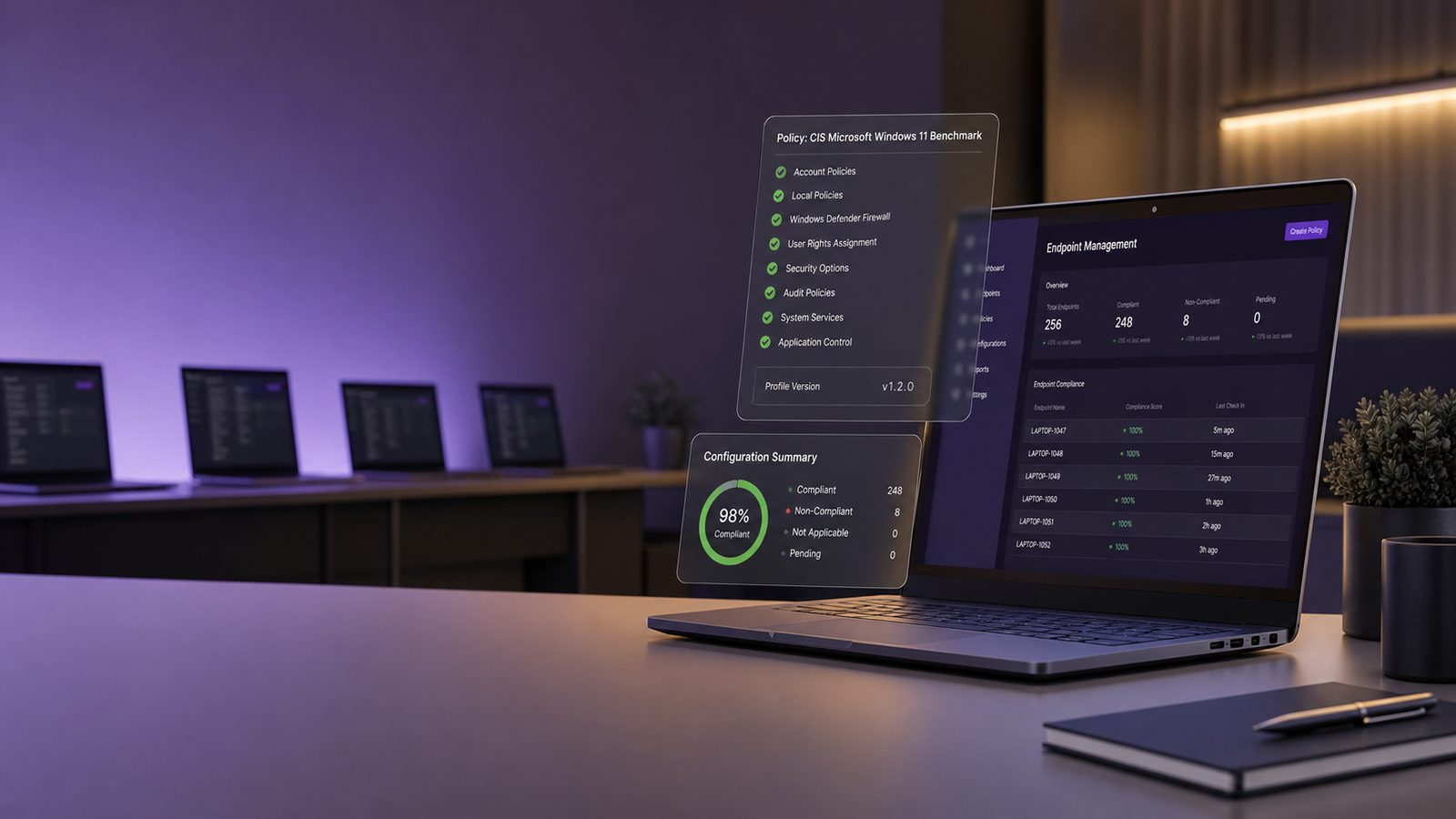
Endpoint hardening using CIS Benchmarks for UK SMEs
For many UK SMEs, the endpoint is still the place where security work becomes real. Laptops, desktops, and build servers are where users sign in, browse the web, open documents, join meetings, and access business systems. That also makes endpoints a common route into the rest of the environment.
Endpoint hardening is the process of reducing unnecessary risk on those devices. In practical terms, that means turning off features you do not need, tightening account settings, enforcing sensible patching, and making sure the device is configured in a consistent way. CIS Benchmarks are a useful reference point for doing that work in a structured manner.
This article is aimed at UK SMEs that want self-help guidance, not a perfect lab design. The goal is to help you build a baseline that is secure enough to matter, realistic enough to support, and flexible enough to fit the way your business actually works.
What CIS Benchmarks are and why they matter
CIS Benchmarks are published configuration guides for common operating systems, browsers, and other technologies. They set out recommended settings that reduce exposure to common threats. For endpoints, that usually means guidance for Windows, macOS, and Linux devices, along with related components such as browsers and security tools.
How benchmarked hardening differs from ad hoc configuration
Many SMEs harden devices in an ad hoc way. Someone disables a feature after a problem, changes a setting because a user reported an issue, or copies a configuration from a previous build. That can work for a while, but it often leads to drift. Two devices that look similar may behave differently, and nobody is quite sure which settings are in place.
A benchmarked approach is different. You start from a defined baseline, decide which settings you will adopt, and apply them consistently. That gives you three advantages. First, it is easier to understand what has changed. Second, it is easier to support devices. Third, it is easier to spot when a device has moved away from the expected state.
CIS Benchmarks are helpful because they give you a recognised starting point. They do not remove the need for judgement. Some settings will be too strict for your business, some will need adjustment, and some will need to be documented as exceptions. That is normal. The value is in having a clear baseline and a reasoned approach to deviations.
Where CIS guidance fits in a practical SME security programme
For a small or mid-sized business, endpoint hardening should sit alongside patching, identity protection, backup, logging, and user awareness. It is not a standalone control. A hardened endpoint still needs good account management and monitoring. Likewise, a well-monitored device is still easier to compromise if it is left with weak settings.
In practice, CIS-style hardening works best when it is part of your standard build process. New devices should arrive with the baseline already applied. Existing devices should be brought into line in a controlled way. Exceptions should be recorded, reviewed, and kept to a minimum.
Choosing the right endpoint baseline
The first decision is not which setting to change. It is which baseline you are trying to achieve. A good baseline is one that matches the operating system, the device role, and the business impact of the controls you are applying.
Windows, macOS, and Linux considerations
Windows is often the most common endpoint platform in UK SMEs, particularly where Microsoft 365, line-of-business applications, or domain-managed devices are involved. CIS guidance for Windows can be a strong starting point, but you will need to test carefully if you rely on older applications, printers, or specialist tools.
macOS environments are often smaller, but they still need a baseline. The same principles apply: control local admin rights, reduce unnecessary services, enforce encryption, and manage browser and application settings. The main difference is that the implementation path may be different, especially if you use a mobile device management platform.
Linux endpoints are less common in general office environments, but they are important in technical teams, development work, and some operational roles. For Linux, the baseline should reflect the distribution in use, the packages installed, and the level of local access users require. A server-style hardening approach is not always suitable for a developer laptop, so role matters.
Whatever platform you use, avoid the temptation to apply one generic standard everywhere. A finance laptop, a shared kiosk device, and a developer workstation do not have the same risk profile or support needs.
Balancing security, usability, and support overhead
Hardening is always a trade-off. If you make a device too restrictive, users will find workarounds or spend too much time asking for exceptions. If you make it too loose, the baseline will not reduce risk in a meaningful way. The right balance depends on your tolerance for support overhead and the sensitivity of the data on the device.
A useful way to think about this is to separate settings into three groups. The first group is low-friction controls that should usually be adopted, such as encryption and removing local admin rights. The second group is controls that need testing, such as application restrictions or tighter browser policies. The third group is settings that may be too disruptive for some teams and should be handled through documented exceptions.
For UK SMEs, the best baseline is often the one that can be maintained consistently by a small IT team. A slightly less aggressive configuration that is applied everywhere is usually better than a stricter one that only works on paper.
Core hardening areas to prioritise first
If you are starting from a mixed or lightly managed estate, do not try to fix everything at once. Focus first on the controls that reduce the most common routes to compromise and that are easiest to standardise.
Account controls, local administrator rights, and password policy
Local administrator rights are one of the biggest practical risks on endpoints. If users have admin rights all the time, malware and unwanted software can do much more damage. As a rule, users should work as standard users and only elevate when there is a genuine need.
That does not mean nobody should ever have admin access. IT support staff may need it, and some specialist applications may require it. The point is to keep admin rights limited, controlled, and auditable. Where possible, use separate admin accounts for administrative tasks rather than daily-use accounts with elevated privileges.
Password policy also matters, but it should be viewed in context. Strong passwords help, but they are not enough on their own. For endpoints, the more important question is whether the device is protected by modern sign-in controls, account lockout behaviour, and, where appropriate, multi-factor authentication for access to business services.
In a CIS-style baseline, account settings should also cover automatic screen locking, guest accounts, and any built-in local accounts that are not needed. The aim is to reduce the number of ways an attacker can gain easy access if a device is left unattended or stolen.
Patch settings, services, and application control
Patch management is part of hardening because a device is only as strong as its current state. CIS guidance often includes settings that support timely updates, reduce unnecessary services, and limit the software that can run. These are all sensible areas to review.
Start with the basics. Confirm that operating system updates are automatic or centrally managed. Make sure security updates are prioritised. Check that devices are not being held back by manual approval processes that leave them exposed for longer than necessary.
Next, review services and features that are enabled by default but not needed in your environment. Examples may include legacy protocols, remote access features, or local services that support older workflows. Disabling these can reduce attack surface, but only if you understand the business impact first.
Application control is more advanced, but it can be valuable where you have a stable device estate. The idea is to allow approved software to run and block or restrict everything else. For SMEs, this may be too heavy for every device, but it can be useful for high-risk groups such as finance, directors, or privileged IT users.
Browser, scripting, and macro settings
Browsers, scripts, and office macros are common entry points because they are part of everyday work. They are also areas where small changes can have a large security benefit if they are applied carefully.
Reducing common entry points without breaking business workflows
Browsers should be treated as high-risk software. They connect users to external content, internal applications, and third-party services. A sensible baseline should include automatic updates, restrictions on unnecessary extensions, and controls that reduce the chance of drive-by downloads or unwanted pop-ups.
Scripting settings also deserve attention. Many attacks rely on scripts to automate malicious activity or to launch secondary payloads. You do not need to block every script everywhere, but you should understand which scripting engines are used in your environment and whether they are needed for normal business tasks.
Office macros are another common issue. If your business does not rely on macros, the safest approach is to block them by default. If some teams do need them, use a controlled exception process and only allow trusted sources. The same principle applies to add-ins and plug-ins. If they are not needed, remove them.
These controls work best when paired with user education. People should understand that a blocked macro or restricted script is not a nuisance setting. It is part of the device’s protective baseline.
Handling exceptions and approved use cases
Exceptions are sometimes necessary. A finance team may need a legacy spreadsheet tool. An engineering team may need a script to support a build process. A sales team may rely on a browser extension linked to a business system. The key is to make exceptions deliberate rather than accidental.
For each exception, record what is being allowed, who approved it, why it is needed, and when it will be reviewed. If the exception is temporary, set an expiry date. If it is permanent, make sure it is documented as part of the baseline for that device group.
This is where many SMEs lose control. A setting is relaxed to solve an immediate problem, then forgotten. Over time, the baseline becomes a collection of one-off decisions. A better approach is to treat exceptions as part of the configuration management process, not as informal support fixes.
Device protection and encryption settings
Hardening should also protect the data stored on the device itself. That matters because laptops are portable, devices are lost, and not every incident starts with a network compromise. Sometimes the issue is simply that a device is exposed outside the office.
Disk encryption, secure boot, and endpoint protection features
Disk encryption should be standard on business laptops and other portable devices. It helps protect data if a device is lost or stolen. For most SMEs, this is one of the most valuable controls to implement early because it is relatively straightforward and has a clear business benefit.
Secure boot is another useful control. It helps the device verify trusted startup components before loading the operating system. Combined with firmware protections and modern endpoint protection, it makes it harder for tampering to persist unnoticed.
Endpoint protection features should also be enabled and managed centrally where possible. That includes malware protection, tamper protection, and cloud-based detection features if they are part of your chosen platform. The benchmark should not assume that the operating system alone will keep the device safe.
Where hardware supports it, consider additional protections such as trusted platform features, biometric sign-in, and device health checks. These are not replacements for good configuration, but they add useful layers.
Protecting data on lost or stolen devices
For SMEs, lost or stolen devices are often more likely than a sophisticated targeted attack. That is why encryption, remote wipe capability, and device inventory matter. You should know which devices exist, who uses them, and whether they can be managed if they go missing.
It is also worth checking how local data is handled. If users routinely store sensitive files on the desktop or in unprotected folders, the device becomes more valuable to an attacker. A better approach is to use managed storage, controlled sync locations, and clear rules on what can be stored locally.
Hardening is not just about blocking threats. It is also about limiting the impact if something goes wrong.
Logging, monitoring, and validation
A baseline is only useful if you can tell whether it is in place. That means validating the configuration and monitoring for drift. Without that, you may assume a device is hardened when it is not.
Checking whether hardening changes are actually in place
Validation should happen at three points. First, when the baseline is created. Second, when it is rolled out to a pilot group. Third, on an ongoing basis after deployment. This can be done through configuration management tools, endpoint management platforms, or scripted checks.
Do not rely on manual spot checks alone. They are useful for troubleshooting, but they do not scale. A repeatable validation process should tell you whether the expected settings are present across the device estate and whether any devices have fallen out of line.
It is also sensible to test the user experience. A setting may be technically correct but still cause a business issue. For example, a browser control might block a legitimate portal, or a macro restriction might break a reporting process. Validation should therefore include both security and usability checks.
Using logs and alerts to spot misconfiguration or drift
Logs help you see when hardening is being bypassed or changed. Depending on your tooling, you may be able to monitor for local admin group changes, policy failures, disabled protection features, or repeated attempts to run blocked software.
For small teams, the goal is not to collect every possible event. It is to collect the events that tell you whether the baseline is still working. If a control is important enough to deploy, it is important enough to monitor.
Alerts should be tuned carefully. Too many low-value alerts will be ignored. Focus on changes that matter, such as security settings being turned off, encryption being removed, or a device repeatedly failing to receive policy updates. Those are the kinds of signals that help you catch drift early.
How to roll out CIS-style hardening safely
Rolling out hardening is a change programme, not just a technical task. The safest approach is to introduce controls in stages and keep the process repeatable.
Pilot testing, change control, and exception handling
Start with a small pilot group that reflects the different ways your business uses devices. Include at least one or two users from teams that rely on specialist applications. Test the baseline against real workflows, not just in a clean lab.
Use change control, even if it is lightweight. Record what is changing, why it is changing, who approved it, and what the rollback plan is if something breaks. This does not need to be bureaucratic. It just needs to be clear enough that the team can support the change later.
Exception handling should be part of the rollout plan from the start. If a setting causes a genuine business issue, decide whether to adjust the baseline, create a group-specific exception, or redesign the workflow. Avoid making exceptions informally, because those tend to spread.
Keeping a repeatable baseline across different device groups
Most SMEs have more than one type of endpoint. Office users, remote workers, privileged admins, and technical staff may all need different settings. The answer is not to create a unique build for every person. It is to define a small number of device groups and apply a repeatable baseline to each.
For example, you might have a standard user build, a privileged user build, and a specialist build for developers or engineering staff. Each group should have a clear purpose and a documented set of deviations from the main baseline.
That structure makes support easier. It also makes future improvements easier because you know where a change belongs. If a setting is added to one group, you can decide whether it should be adopted more widely or kept as a targeted control.
Common mistakes SMEs should avoid
Endpoint hardening is straightforward in principle, but there are a few common mistakes that can undermine the effort.
Over-hardening without business context
The most common mistake is to apply settings too aggressively without understanding how people work. That can lead to blocked applications, frustrated users, and a quiet return to insecure workarounds. Security controls work best when they are designed around business reality.
Another mistake is to copy a benchmark without tailoring it. CIS guidance is a reference, not a promise that every setting will suit every organisation. Your environment, software stack, and support capacity all matter.
If a setting creates more risk than it removes, because users stop following the process or IT cannot maintain it, then it needs to be reconsidered. Security should improve resilience, not create hidden fragility.
Treating baseline work as a one-time project
Hardening is not something you finish once and forget. Devices change, software changes, and business needs change. A baseline that was sensible last year may now be incomplete.
Review the baseline regularly. Check whether new device types have been introduced, whether exceptions are still needed, and whether any settings should be tightened or relaxed. This is especially important after major operating system updates, platform migrations, or changes in remote working patterns.
It is also worth linking hardening reviews to broader security reviews. If you have an incident, an audit finding, or a recurring support issue, ask whether the baseline should be updated. That keeps the configuration aligned with what is actually happening in the business.
Bringing it together
For UK SMEs, endpoint hardening using CIS Benchmarks is best seen as a practical way to reduce attack surface and improve consistency. It helps you move from informal configuration to a managed baseline that is easier to support and easier to improve.
The most effective programmes usually start with the basics: remove unnecessary admin rights, enforce encryption, keep patching current, tighten browser and macro settings, and validate that the controls remain in place. From there, you can refine the baseline for different device groups and build a more mature approach over time.
If you want help turning a benchmark into a workable endpoint standard, or you need support aligning hardening with wider governance and risk priorities, a consultant can help you shape the approach without overcomplicating it.
Frequently asked questions
What is endpoint hardening using CIS Benchmarks?
Endpoint hardening is the process of reducing unnecessary risk on laptops, desktops, and similar devices by tightening settings, limiting access, and keeping configurations consistent. CIS Benchmarks are published configuration guides that give you a structured starting point for that work. They are useful because they help you move away from ad hoc changes and towards a clearer baseline.
How do CIS Benchmarks help UK SMEs with endpoint security?
For UK SMEs, CIS Benchmarks provide a recognised reference for common operating systems, browsers, and related tools. They can make it easier to understand what settings are in place, support devices more consistently, and spot when a device has drifted away from the expected state. They are a starting point, though, so you still need to decide which settings fit your business.
Should I use the same hardening baseline for Windows, macOS, and Linux?
Not usually. The article recommends choosing a baseline that matches the operating system, the device role, and the business impact of the controls you apply. A finance laptop, a developer workstation, and a shared kiosk device do not have the same risk profile or support needs.
How do I balance security and usability when hardening endpoints?
The article suggests separating controls into three groups: low-friction settings that should usually be adopted, controls that need testing, and settings that may need documented exceptions. If a device becomes too restrictive, users may work around it or create extra support demand. For many SMEs, a baseline that can be maintained consistently is more effective than a stricter one that is hard to support.
Where should endpoint hardening sit in a wider security programme?
Endpoint hardening should sit alongside patching, identity protection, backup, logging, and user awareness. It is not a standalone control, because a hardened device still needs good account management and monitoring. The article also notes that new devices should be built with the baseline already applied, while existing devices should be brought into line in a controlled way.
Comments are closed