
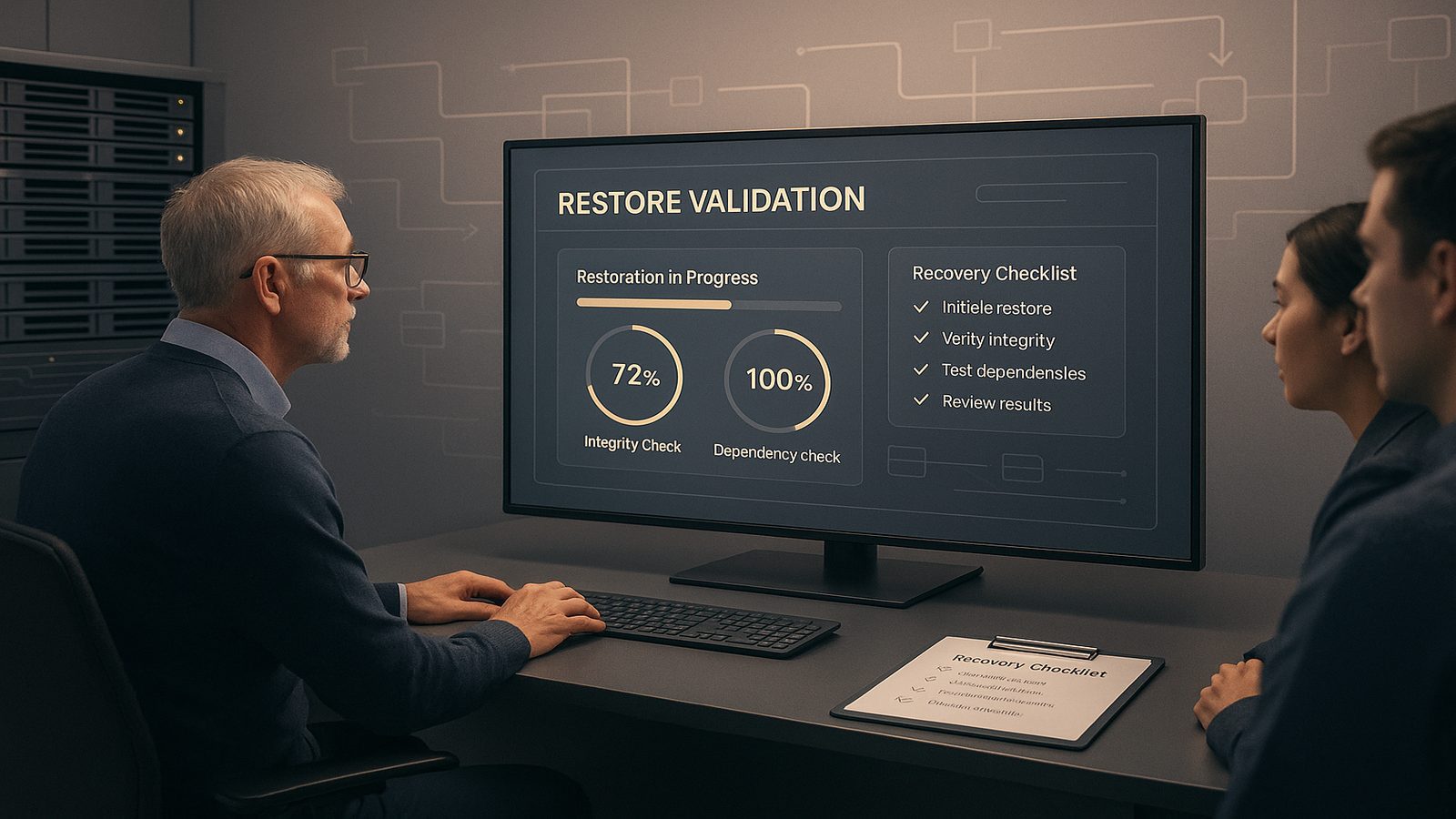
Backups are only useful if you can restore them when it matters. That sounds obvious, but in practice many organisations discover restore problems only after an incident has already started. A backup job may report success, storage may look healthy, and retention may be in place, yet the restore still fails because of missing credentials, broken dependencies, expired keys, or a recovery process that was never tested end to end.
For UK SMEs, this is not just a technical issue. If a restore takes longer than expected, or if the restored data is incomplete, the business impact can quickly spread across operations, customer service, finance, and compliance obligations. Testing backup restoration under incident conditions is therefore a resilience activity, not a housekeeping task. It validates whether your recovery design works under the same constraints you would face during a real event.
Key takeaways
- A backup is not proven until you have restored it under realistic incident conditions and validated that the system is usable.
- Define RTO and RPO before testing so you can measure recovery against business needs rather than assumptions.
- Test the full restore path, including identity, keys, dependencies, and monitoring, not just the backup repository.
- Use isolated recovery environments and documented rollback steps to avoid creating new risk during testing.
- Capture evidence, fix the gaps, and retest after material changes to infrastructure, tooling, or access controls.
Why restore testing matters more than backup success reports
Backup platforms are good at telling you that data was copied. They are much less useful at proving that the data can be recovered into a usable state. A green dashboard can hide several risks:
- The backup completed, but the restore point is corrupted.
- The backup exists, but the encryption key needed to open it is unavailable.
- The backup is present, but the application cannot start because a dependency is missing.
- The restore works in a lab, but not when production identity services are unavailable.
This is why restore testing should sit alongside other resilience activities such as operational resilience testing and incident response planning. The point is not to prove perfection. The point is to understand how the recovery process behaves under realistic pressure, where time is limited and normal administrative paths may not be available.
Restore testing also gives you evidence that your backup strategy is doing what you think it is doing. If you are relying on backups to support ransomware recovery, accidental deletion recovery, or service restoration after a cloud outage, you need proof that the recovery path works for the systems that matter most.
Define the incident conditions you actually need to test
Not every incident looks the same, and your restore tests should reflect that. A useful test plan starts by defining the conditions that are most relevant to your environment.
Common scenarios include:
- Ransomware encryption of endpoints, file servers, or virtual machines.
- Accidental deletion of files, databases, or entire application environments.
- Data corruption caused by software faults, failed updates, or storage issues.
- Cloud service failure, where a platform or region is unavailable.
Each scenario changes the recovery assumptions. In a ransomware case, you may need to assume that production credentials are compromised and that some systems cannot be trusted. In a cloud outage, the issue may be availability rather than integrity, so the restore path might depend on a different region, account, or subscription. In an accidental deletion event, speed may matter more than full environment rebuilds, especially if the business only needs a small set of files or records back quickly.
It is also worth testing what happens when supporting services are unavailable. For example, a restored server may depend on Active Directory, Entra ID, DNS, certificate services, or a storage platform that is itself affected by the incident. If those dependencies are not available, the restore may technically complete but still fail operationally.
Set recovery targets before you test
Restore testing is much easier to design when you already know what success looks like. Two measures are especially useful here: recovery time objective, or RTO, and recovery point objective, or RPO.
RTO is the maximum acceptable time to restore a service. RPO is the maximum acceptable amount of data loss measured by time. If a finance system can tolerate four hours of downtime but only fifteen minutes of data loss, your restore design and test plan should reflect that. If a document repository can be offline for a day but must not lose more than an hour of changes, that is a different recovery profile again.
For SMEs, the practical step is to rank systems by business impact rather than by technical preference. Start with the services that would stop the business trading, handling customers, or meeting contractual obligations. Then identify the data sets and dependencies that support those services. This is a good place to align with your wider risk treatment approach, as described in risk assessment and treatment under ISO 27001, without turning the exercise into a paperwork task.
Once you have targets, you can design tests that answer a simple question: can we restore the right thing, to the right point in time, within the time we said we needed?
Build a restore test plan that reflects real operations
A useful restore test plan should be specific enough that someone else could run it without guessing. It should include the workload, the backup set, the restore point, the environment, the success criteria, and the rollback steps if the test goes wrong.
When selecting what to test, avoid only restoring the easiest system. Include representative workloads such as:
- A file share or document repository.
- A database-backed application.
- A virtual machine or bare-metal image.
- A cloud-native service configuration, such as storage, identity, or infrastructure state.
Use restore points that are realistic. If your backups run every night, test a recent nightly restore point and an older point that would be used if corruption had gone unnoticed for some time. If you have immutable backups, test both the operational restore path and the access controls around the backup repository, as discussed in designing immutable backup solutions to resist ransomware.
Define evidence up front. That might include screenshots, logs, timestamps, checksums, application health checks, and sign-off from the system owner. Evidence matters because restore testing is not just about whether the process ran. It is about whether the restored system was usable and whether the result can be repeated.
Test the full restore path, not just the backup repository
One of the most common mistakes is to test only the storage layer. The backup repository may be healthy, but the full recovery path can still fail. A complete restore test should consider the following components:
- Storage access, including network routes and firewall rules.
- Identity, including service accounts and privileged access.
- Encryption keys, certificates, and secrets needed to decrypt or mount data.
- Application dependencies such as databases, message queues, and directory services.
- Monitoring and logging, so you can see what happened during the restore.
In practice, this means validating more than the presence of files. A restored virtual machine should boot, join the right network, authenticate correctly, and run the application checks that matter to the business. A restored database should not only open, but also pass integrity checks and support the application transactions that rely on it.
If you are using cloud platforms, the restore path may involve permissions, resource groups, subscriptions, regions, or object storage policies. In AWS or Azure environments, it is worth testing whether the restore can be performed from a separate administrative context, especially if the primary tenant or account is affected by the incident. The aim is to prove that the recovery process is resilient to the same kinds of access loss that can happen during a real event.
How to test backups safely in a live environment
Restore testing should not create new risk while trying to reduce existing risk. The safest approach is to use an isolated recovery environment that is separate from production but close enough to be meaningful. That environment should have controlled access, limited connectivity, and clear rules about what can be copied in and out.
There are a few practical safeguards worth applying:
- Use a dedicated recovery network or isolated virtual network.
- Restrict who can access the restore environment and how they authenticate.
- Prevent restored systems from automatically talking to production services unless that is part of the test.
- Use copies of backup data where possible, rather than restoring directly into production.
- Document how the test will be stopped if it begins to affect live services.
It is also important to avoid contaminating clean backups. If you are testing a ransomware recovery scenario, do not connect restored systems to the same identity or file shares that may still be compromised. Keep the test environment clean and controlled. If you need to validate that a backup is free from malicious changes, that should be done through your incident response process and forensic review, not by casually mounting the backup into production.
This is where good runbooks help. A restore test should fit into the same operational discipline as your incident response playbooks and incident response playbooks and runbooks, with clear ownership, escalation points, and decision criteria.
Common restore test methods and when to use them
There is no single restore test that proves everything. Different methods give you different levels of confidence.
File-level restore is the simplest. It is useful for validating that individual files or folders can be recovered quickly and accurately. This is often enough for accidental deletion scenarios, but it does not prove that full systems can be rebuilt.
Bare-metal restore or image-based restore is more comprehensive. It validates that an entire machine can be rebuilt from backup, including the operating system, configuration, and application stack. This is useful for endpoint, server, and virtual machine recovery.
Full application recovery is the most valuable for business-critical services. It checks that the application, its database, its identity dependencies, and its integrations all work together after restoration. This is the closest you can get to a real incident without actually suffering one.
Cloud-native restore testing should be treated as its own category. Snapshots, object storage, infrastructure-as-code, and managed services all have different failure modes. A restore test in the cloud should confirm that permissions, API access, and dependency ordering are correct, not just that the data exists.
What to validate during the restore
During the test, validate both technical integrity and operational usability. A good restore is one that the business can actually use.
At minimum, check the following:
- Data integrity, using hashes, checksums, or application validation where appropriate.
- Completeness, meaning the expected files, records, or services are present.
- Permissions, so the right users and service accounts can access the restored data.
- Application function, including logon, read, write, and transaction tests.
- Monitoring, so alerts and logs show the restore activity clearly.
If the restore process generates warnings, capture them. A restore that completes with warnings may still be acceptable, but only if you understand the impact. For example, a warning about skipped files or delayed index rebuilds may be tolerable for a low-priority service, but not for a customer-facing platform.
It is also worth checking whether the restored system behaves as expected under normal monitoring. If your SIEM, XDR, or backup tooling produces alerts during the test, make sure they are understood and documented. Restore activity should not become noise that hides a real incident.
How to measure whether the test was successful
Success should be measured against the recovery targets you set earlier, not against a vague sense that the test went well. Record the actual time taken to restore, the amount of manual intervention needed, and any deviations from the plan.
Useful measures include:
- Time to start the restore.
- Time to complete the restore.
- Time to validate the restored service.
- Number of manual steps required.
- Any data loss compared with the expected RPO.
It is also useful to note whether the team could perform the restore without relying on a single person. If only one engineer knows how to recover a critical system, that is a resilience gap. The test should expose that dependency before an incident does.
Where possible, compare the test result with previous runs. A restore process that is getting slower, more manual, or more fragile over time is a sign that the environment or the tooling has drifted.
Typical failure modes found during incident-condition testing
Restore tests often uncover issues that are easy to miss in day-to-day operations. The most common ones include:
- Expired credentials or service accounts that no longer have the required access.
- Missing encryption keys or certificates.
- Broken dependencies, such as a database restore without the matching application configuration.
- Stale documentation that no longer matches the live environment.
- Retention gaps, where the backup exists but not for the time period needed.
- Backups that restore, but only after a long manual process that is not realistic in an incident.
These failures are useful because they are actionable. They tell you whether the issue is with the backup product, the access model, the documentation, or the architecture. In many cases, the fix is not to buy a new tool. It is to improve the recovery design, permissions, or operational discipline.
Turning test results into improvements
The value of a restore test comes from what you do afterwards. Treat the findings like any other operational issue: prioritise them, assign owners, and track them to closure.
Common improvements include:
- Updating backup schedules or retention periods.
- Separating backup administration from day-to-day user administration.
- Storing keys and credentials in a more resilient way.
- Improving dependency documentation and restore runbooks.
- Adding automated validation checks after each backup job.
- Creating a cleaner recovery environment for future tests.
If the restore test exposed a gap in your broader security design, it may be worth reviewing the surrounding controls as part of a wider hardening exercise. For example, stronger endpoint configuration, tighter access control, and better logging can all reduce the chance that a restore is needed in the first place, while also making recovery easier when it is.
After any significant change to infrastructure, backup tooling, identity architecture, or storage design, schedule a retest. A restore process that worked last quarter may not work after a platform migration or a permissions change.
A practical restore testing checklist for technical teams
Before the test:
- Confirm the systems and data sets in scope.
- Define the incident scenario being simulated.
- Set RTO and RPO targets for the test.
- Confirm access to the recovery environment.
- Check that keys, credentials, and dependencies are available.
- Prepare rollback steps and escalation contacts.
During the test:
- Record start and end times.
- Capture logs, screenshots, and any warnings.
- Validate data integrity and application function.
- Note any manual steps or workarounds.
- Stop the test if there is any risk to production systems.
After the test:
- Compare results with the recovery targets.
- Document failures, delays, and assumptions that did not hold.
- Assign remediation actions and owners.
- Update the runbook and test plan.
- Schedule a retest once changes are complete.
For UK SMEs, a sensible cadence is to test critical restores more often than low-priority systems, and to repeat tests after major changes. The exact frequency should reflect business impact, change rate, and the confidence you need in the recovery process.
Restore testing is one of the clearest ways to turn backup investment into real resilience. It shows whether your recovery design works under pressure, whether your team can execute it, and whether the business can keep operating after an incident. If you want help reviewing your backup recovery approach, aligning it with your incident response process, or improving the evidence you can produce from restore tests, speak to a consultant.
Frequently asked questions
What is the 3/2/1 rule for backing up?
The 3/2/1 rule is a common backup principle: keep three copies of your data, store them on two different types of media, and keep one copy off site or otherwise separate from the primary environment. It is a useful baseline, but it does not replace restore testing.
How do you test backups?
Test backups by restoring representative files, systems, or applications into an isolated environment, then checking data integrity, permissions, dependencies, and application function. Measure the time taken, compare it with your recovery targets, and record any manual steps or failures.
Comments are closed