
Technical control testing in Cyber Essentials Plus: what UK SMEs should expect
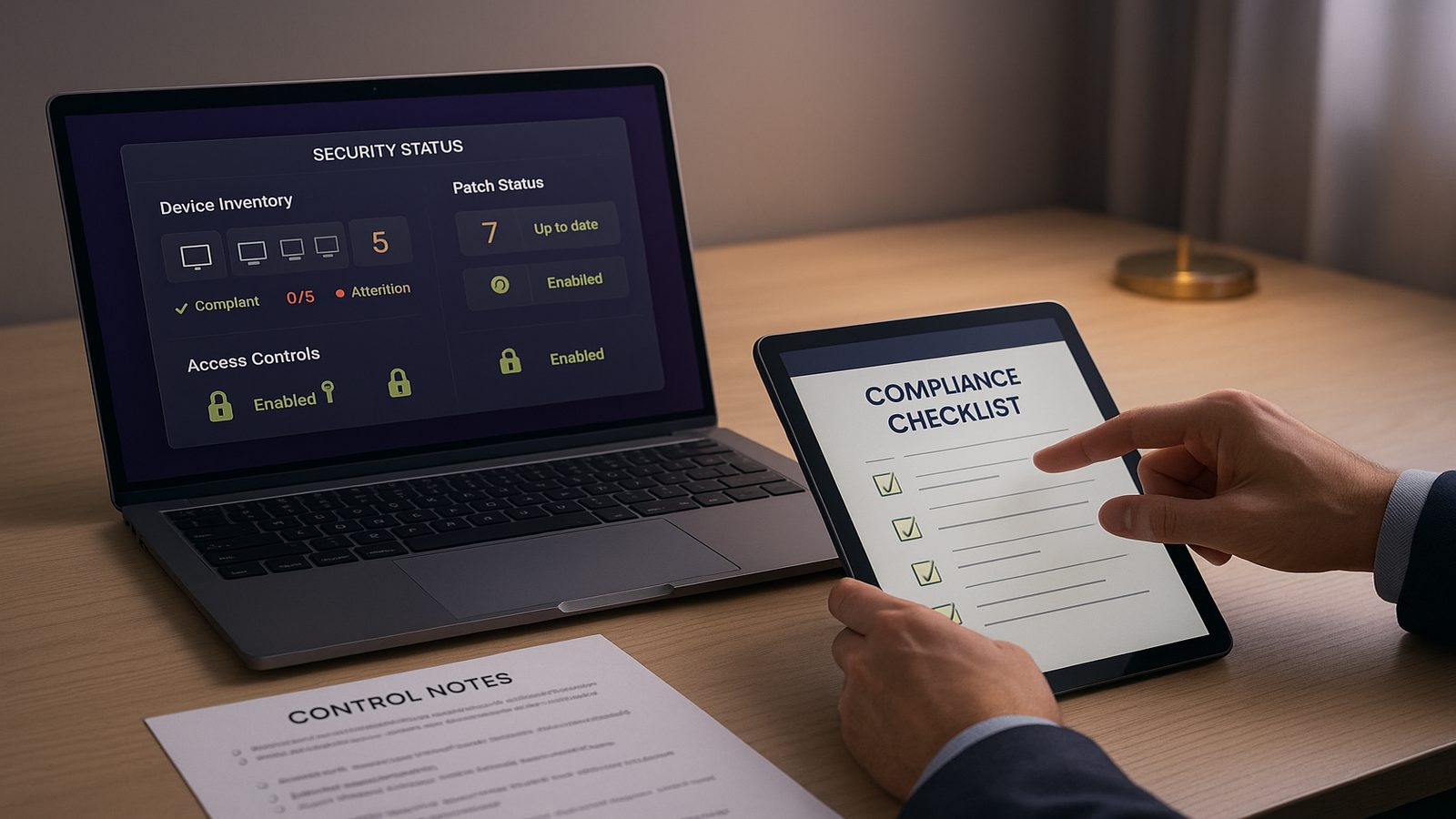
For many UK SMEs, Cyber Essentials Plus can feel more concrete than the basic Cyber Essentials questionnaire because it includes technical control testing. In simple terms, this means an assessor checks that the security controls you say are in place are actually working on real devices and accounts.
That does not mean the process has to be complicated. In practice, the assessment is usually about a small set of common controls that reduce everyday risk. If you understand what is likely to be checked, you can prepare in a calm, structured way and avoid last-minute surprises.
This guide explains what technical control testing means, what is usually reviewed, how to prepare, and how to respond if something is not quite right. It is written for SME decision-makers and IT leads who want a practical view rather than a theoretical one.
What technical control testing means in Cyber Essentials Plus
Technical control testing is the hands-on part of Cyber Essentials Plus. Instead of relying only on written answers, the assessor checks selected devices, settings and user accounts to confirm that key protections are in place. The aim is to see whether the organisation has implemented the controls properly, not just documented them.
How it differs from a basic self-assessment
Cyber Essentials starts with a self-assessment. That is useful, but it depends on the organisation describing its own setup accurately. Cyber Essentials Plus adds verification. The assessor may review devices, test configurations and look for signs that controls are being applied consistently.
For SMEs, the main difference is that gaps are more likely to be found if controls only exist on paper, or if they are applied unevenly across laptops, desktops and servers. A policy that says one thing and a device that does another will usually create work during the assessment.
Why the testing focuses on common attack paths
The controls tested are typically aimed at common attack paths, such as unpatched software, weak passwords, poor admin practices and insecure device settings. These are not exotic issues. They are the kinds of weaknesses that often create avoidable exposure in smaller organisations.
That focus is deliberate. For most SMEs, reducing the likelihood of straightforward compromise is more valuable than trying to build a highly complex security model. The assessment is designed to check whether the basics are genuinely in place.
The main controls typically checked during testing
While the exact scope can vary, technical control testing usually looks at a practical set of baseline protections. These are the areas where many organisations either do well with a little preparation, or run into delays because the setup is inconsistent.
Firewalls, secure configuration, user access and malware protection
Firewalls are used to control network traffic. In an SME environment, that usually means checking that devices are protected by a firewall and that it is configured sensibly. Secure configuration means the device is set up to reduce unnecessary risk, for example by removing unneeded services, closing obvious gaps and avoiding default settings where they are too permissive.
User access is another common area. Assessors will want to see that accounts are assigned appropriately, that administrative access is limited, and that people do not have more privilege than they need. Malware protection, often delivered through endpoint security tools, is also likely to be reviewed to confirm it is active and maintained.
Why patching and device hygiene matter
Patching is the process of applying updates that fix security weaknesses. It matters because unpatched systems are one of the easiest ways for attackers to gain a foothold. Device hygiene is a broader term that covers the general health of endpoints, including whether they are managed, updated and configured consistently.
For SMEs, patching issues often arise because updates are delayed, exceptions are not tracked, or older devices are still in use without a clear owner. Technical testing tends to expose these patterns quickly, especially where a small number of unmanaged devices sit outside normal controls.
How SMEs can prepare without overcomplicating the process
Good preparation is usually about discipline rather than scale. You do not need a large security team to get ready, but you do need to know what devices exist, who manages them and whether the basics are applied consistently.
Practical checks to complete before an assessment
Start with a simple inventory of the devices and accounts in scope. Confirm which laptops, desktops and servers are used for business work, who owns them and whether they are centrally managed. Check that updates are being applied, antivirus or endpoint protection is active, and local administrator accounts are controlled.
It is also sensible to review password and access practices. Make sure privileged accounts are limited to the people who genuinely need them, and that old or unused accounts are removed. If remote access is used, check that it is configured securely and that any exceptions are documented.
Finally, test the basics from an operational point of view. Can you show that devices are patched? Can you show that security tools are running? Can you explain who is responsible for each control? If the answer is unclear, the assessment may take longer than it should.
Common gaps that create avoidable delays
Some of the most common delays come from simple issues. These include devices that are not enrolled in management tools, patching that is inconsistent across teams, and admin rights that have been granted informally and never reviewed. Another frequent problem is missing evidence, where the control exists but nobody can quickly show how it is maintained.
SMEs also run into trouble when there are exceptions that were made for convenience and never revisited. A single legacy device, a shared account or an unsupported application can create extra work if it sits outside the normal control set.
What assessors usually look for when evidence is needed
Evidence is usually about proving that a control is real, current and owned. The assessor is not looking for a polished presentation. They are looking for enough clarity to understand how the control works in practice.
Clear records of settings and ownership
Useful evidence often includes screenshots, configuration exports, device management records, patch reports and short notes explaining who is responsible for each control. The key is that the evidence should be easy to follow and tied to the devices or accounts in scope.
Ownership matters because controls tend to fail when nobody is clearly accountable. If one person manages patching, another manages endpoint protection and a third handles admin accounts, that is fine as long as the responsibilities are clear and the process is joined up.
Simple ways to show controls are in place
Keep evidence simple and current. A short record of the device estate, a recent patch status report and a list of privileged accounts can be enough to demonstrate control in many cases. The goal is not to create a large evidence pack, but to make it straightforward to confirm that the environment is being managed properly.
If you use managed service providers or external IT support, ask them in advance what records they can provide. That avoids the common situation where the business knows the control exists, but the evidence sits with a supplier and is not immediately available.
Typical reasons technical testing uncovers issues
When technical testing finds problems, they are often caused by inconsistency rather than a single major failure. That is useful to know, because it means many issues can be fixed with better process and ownership.
Inconsistent device management and patching
One common issue is that some devices are fully managed while others are not. This can happen when staff use older laptops, when contractors bring their own equipment, or when a small number of devices were never enrolled properly. If those devices are in scope, they can undermine the overall position.
Patching is another area where inconsistency shows up quickly. A business may have a good update process for standard office laptops, but exceptions for specialist devices or remote users. If those exceptions are not tracked, the assessment can reveal gaps that were not obvious internally.
Weak admin practices and overlooked exceptions
Weak admin practices often include shared administrator accounts, excessive privileges, or admin rights given for convenience and never removed. These are common in smaller organisations because they make day-to-day support easier, but they also increase risk and complicate assessment.
Overlooked exceptions are equally important. A temporary change made months ago can become a permanent weakness if nobody reviews it. Technical testing often highlights these hidden exceptions because they sit outside the normal control pattern.
How to respond if a control does not meet the expected standard
If a control falls short, the most useful response is to treat it as a practical improvement task rather than a setback. The assessment is giving you information about where the environment needs attention.
Prioritising fixes by business risk
Start by asking which issue creates the most realistic exposure. A missing update on a single low-risk device is not the same as a weak admin model across the whole business. Prioritising by business risk helps you focus effort where it matters most.
It is also worth considering operational impact. Some fixes can be made quickly with little disruption, while others may need planning, testing or supplier input. A sensible remediation plan balances security improvement with business continuity.
Deciding when to remediate internally or seek support
Many SMEs can handle straightforward fixes internally, especially where the issue is clear and the IT environment is well understood. More complex problems, such as mixed device estates, legacy systems or unclear ownership, may benefit from external support.
If you do seek help, look for advisory support that is practical and risk-based. The aim should be to improve the control environment, not to create unnecessary complexity. In some cases, a short piece of implementation guidance can save a lot of time compared with trial and error.
Building a repeatable approach after the assessment
The real value of technical control testing is not just passing a one-off assessment. It is using the process to build a repeatable way of managing basic security controls across the business.
Turning findings into routine security tasks
Once the assessment is complete, convert the findings into routine tasks. That might include monthly patch checks, quarterly reviews of admin accounts, regular device inventory updates and a simple process for tracking exceptions. These are not glamorous tasks, but they are effective.
Where possible, make the process part of normal IT operations rather than a separate compliance exercise. If controls are embedded into everyday work, they are more likely to stay in place when staff change or the business grows.
Using the results to improve wider cyber hygiene
Technical testing can also highlight wider hygiene issues, such as poor asset visibility, weak change control or unclear responsibility between internal staff and suppliers. Those lessons are useful beyond Cyber Essentials Plus because they improve the overall resilience of the business.
For SMEs looking to strengthen their wider security posture, this is often a good moment to review how technical controls fit into broader governance, risk and operational processes. That can be especially helpful if you are also working towards a more structured security programme such as ISO 27001-aligned improvement work.
In short, Cyber Essentials Plus is best approached as a practical check on whether your basic protections are genuinely working. If you know what is likely to be tested, keep your evidence simple and maintain clear ownership, the process becomes much more manageable.
If you would like help turning assessment findings into a practical improvement plan, speak to a consultant.
Frequently asked questions
What is tested in Cyber Essentials Plus technical control testing?
Assessors usually check a sample of devices, accounts and settings to confirm that key controls are in place. This often includes firewalls, secure configuration, user access, malware protection and patching. The exact scope can vary, but the focus is on whether the basics are working in practice.
How can a small business prepare for Cyber Essentials Plus without specialist staff?
Start with a clear device and account inventory, confirm who owns each control, and check that patching, endpoint protection and admin access are being managed consistently. Keep evidence simple and current. If you have gaps in ownership or older devices outside normal management, deal with those early so they do not slow the assessment down.
Comments are closed