
For most UK SMEs, the biggest cyber risk is not a dramatic, highly targeted attack. It is a normal employee device being used in a way that gives an attacker a foothold. A laptop left unpatched, a stolen password, a malicious attachment, or a lost device can quickly turn into downtime, lost revenue, customer concern, and extra recovery cost.
That is why endpoint security matters. In plain English, it is the set of controls that protect the devices people use every day, such as laptops, desktops, mobile phones, tablets, and servers. It is not just antivirus. Good endpoint security helps prevent problems, spot suspicious activity early, and contain issues before they spread.
This article explains the main endpoint security capabilities in business terms, so you can judge what matters, what is optional, and what is worth paying for. If you are also thinking about the wider picture, it can help to read our guide to centralised security visibility, because endpoint tools work best when they are part of a broader monitoring approach.
Key takeaways
- Endpoint security is about protecting the devices your people use every day, not just installing antivirus.
- Decision makers should prioritise prevention, detection, response, and visibility over product labels.
- A good solution covers all important devices, produces clear reporting, and is manageable for a small team.
- Endpoint security works best when it is connected to identity, email, logging, and incident response.
- The right choice is the one that fits your business risk, not the one with the longest feature list.
What endpoint security means in plain English
An endpoint is any device that connects to your business systems. That includes office laptops, home-working devices, shared desktops, mobile phones, tablets, virtual desktops, and servers. If a person uses it to access email, files, customer data, finance systems, or cloud services, it is an endpoint worth protecting.
Endpoints matter because they are where people work. They are also where attackers often start. A single compromised device can give access to email, cloud accounts, file shares, and internal systems. Once inside, an attacker may try to steal data, send fraudulent messages, or move to other systems.
For SMEs, the issue is not only technical. A compromised device can interrupt sales, delay operations, create support work, and damage trust with customers and suppliers. Even if the incident is contained quickly, the time spent investigating and recovering has a real cost.
Why endpoint security matters for UK SMEs
Many smaller businesses assume they are too small to be of interest. In practice, attackers often look for the easiest route, not the largest target. A business with limited IT staff, mixed device ownership, and inconsistent patching can be more exposed than a larger organisation with stronger controls.
The business impact of a compromised laptop or server can include:
- lost access to email and files
- missed orders or delayed service delivery
- fraudulent payments or account misuse
- customer data exposure
- reputational damage if the incident becomes visible to clients or partners
- time spent by staff and managers on recovery instead of normal work
Endpoint controls reduce these risks by making it harder for threats to run, easier to spot suspicious behaviour, and faster to isolate a device if something looks wrong. That is often more valuable than a long list of product features.
It also supports good security hygiene more broadly. If you are reviewing how devices are configured, our article on endpoint hardening using CIS Benchmarks may help you think about secure settings alongside detection and response.
The main endpoint security capabilities to look for
When people compare products, they often focus on brand names or whether a tool is called antivirus, endpoint detection and response, or extended detection and response. Those labels matter less than the underlying capabilities.
Prevention: blocking known threats and unsafe behaviour
Prevention is the first layer. The tool should stop known malware, block unsafe files, and reduce the chance that common attack methods succeed. This usually includes checking files, scripts, links, and device behaviour against known bad patterns.
For a decision maker, the key question is simple: does the tool stop obvious threats before they become incidents? If it only tells you after the fact, you may still end up with disruption.
Detection: spotting suspicious activity early
No prevention tool is perfect. Detection matters because attackers sometimes use legitimate tools, stolen credentials, or unusual behaviour that does not look like classic malware. Good endpoint security should raise alerts when a device behaves in a way that suggests compromise.
This is where visibility becomes important. You want alerts that are meaningful, not just noisy. A useful alert should tell you what happened, which device was involved, who was logged in, and what action should follow.
Response: isolating devices and limiting spread
Response capabilities are what help you contain a problem quickly. The most useful functions are the ability to isolate a device from the network, stop a suspicious process, quarantine a file, and collect information for investigation.
For SMEs, this can be the difference between one affected laptop and a wider business interruption. Response features should be easy to use, because in a real incident the team will not have time to work through a complicated process.
How endpoint security works in practice
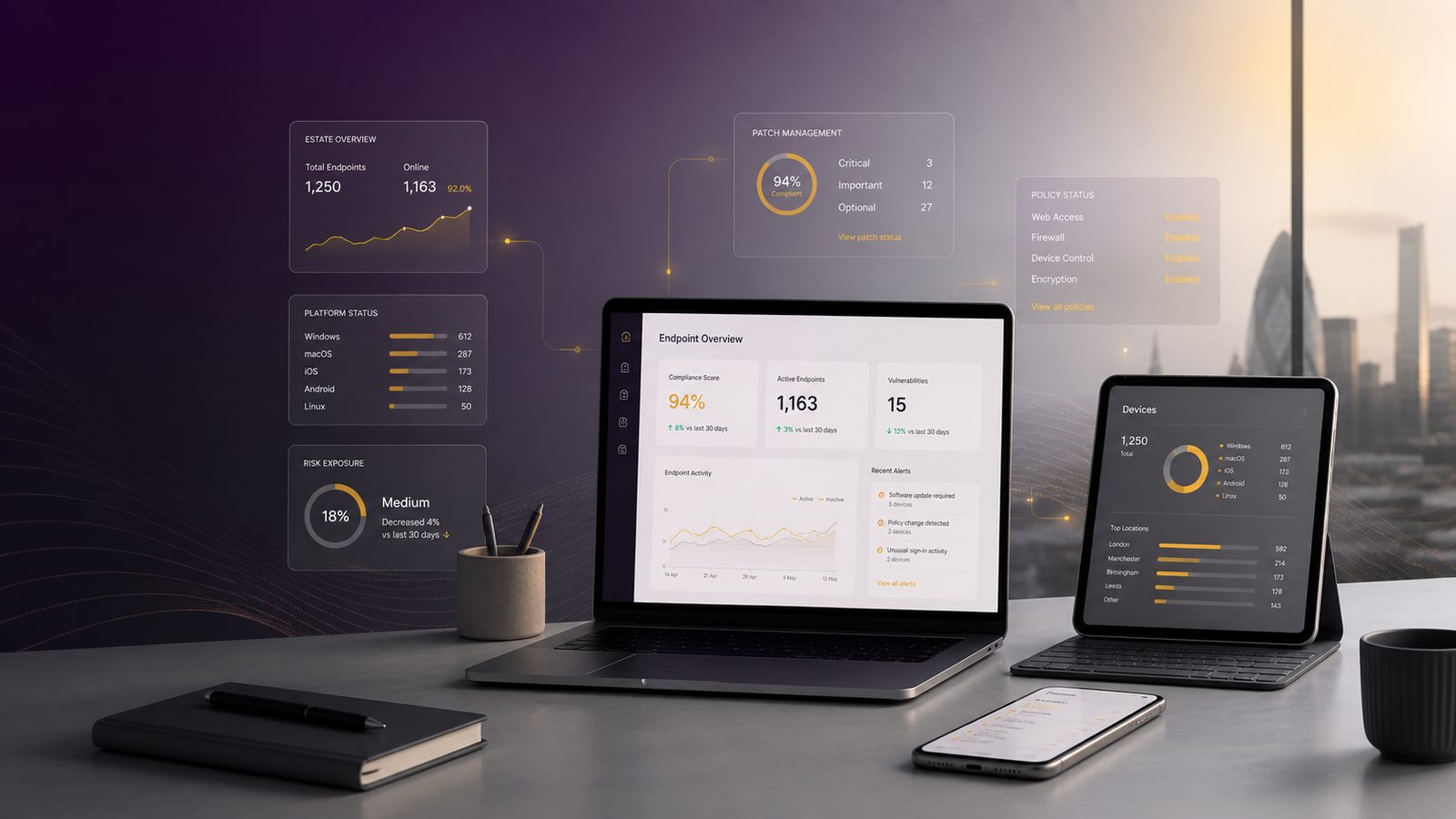
Most endpoint security products use a small piece of software, often called an agent, installed on each device. The agent watches for suspicious activity, applies policy settings, and sends information back to a central console.
That central console is where your IT team or managed service provider can see alerts, review device status, and apply changes. In a well-run setup, policy decisions are made once and then applied across the estate. That is much easier than configuring each device by hand.
In practice, the agent may:
- scan files and downloads for known threats
- monitor processes and scripts for unusual behaviour
- check whether the device is encrypted and up to date
- report suspicious activity to a central dashboard
- allow remote isolation or remediation actions
The central console should also make it easy to answer basic management questions. How many devices are protected? Which ones are out of date? Which users are repeatedly triggering alerts? Which servers are missing coverage? If the tool cannot answer those questions clearly, it may be difficult to manage at scale.
The three main types of endpoint security
Different products are often grouped into three broad categories. The names vary, but the practical differences are useful.
Endpoint protection for prevention
This is the traditional layer. It focuses on stopping known malware, blocking risky files, and enforcing basic security rules. It is essential, but on its own it may not give enough visibility into modern attacks.
Endpoint detection and response for investigation and containment
Endpoint detection and response adds deeper monitoring and response options. It is designed to help identify suspicious behaviour, investigate what happened, and contain a device quickly. For SMEs, this is often the most valuable step up from basic protection.
If you want a more detailed view of the investigative side, our article on why endpoint detection matters for organisations explains why detection is more than just blocking malware.
Extended detection and response for broader visibility
Extended detection and response brings endpoint data together with other sources, such as email, identity, and sometimes network activity. The benefit is better context. For example, a suspicious login, a risky email, and an unusual device event may together show a stronger pattern than any one alert alone.
For a small business, this can be useful if you want fewer disconnected tools and a clearer picture of what is happening. The trade-off is that it may be more complex to deploy and manage, so the fit with your team matters.
Core features decision makers should expect
When reviewing products, focus on the features that reduce business risk rather than the marketing language.
Malware and ransomware protection
At minimum, the solution should block common malware and suspicious files. Ransomware protection is especially important because a single infected device can lead to widespread file loss or business interruption. The tool should also support rapid containment if a device starts behaving like an active threat.
Device and application control
Device control helps you manage what can connect to a computer, such as USB storage. Application control helps restrict unapproved software. These features reduce the chance that someone accidentally introduces risk through a removable drive or an untrusted programme.
They are not always needed in the most restrictive form, but they are valuable where staff use shared devices, handle sensitive information, or work in environments with higher operational risk.
Patch and vulnerability visibility
Endpoint security should tell you which devices are missing updates or running outdated software. It does not replace patching, but it helps you see where the gaps are. That matters because unpatched devices are easier to compromise and harder to defend.
Encryption and lost device protection
Encryption protects data if a laptop or mobile device is lost or stolen. The security tool should help you confirm that encryption is enabled and that devices can be wiped or locked remotely if needed. This is especially important for mobile staff and home workers.
Web and email threat filtering
Many attacks begin with a link or attachment. Some endpoint platforms include web and email threat filtering, while others integrate with separate tools. Either way, the goal is to reduce the chance that a user lands on a malicious site or opens a harmful file.
If you are thinking about the wider control set, our guide to reducing attack surface using system hardening techniques is a useful companion piece, because endpoint security works best when unnecessary risk is removed from devices in the first place.
What good endpoint security looks like in a small business
Good endpoint security is not just about having a product installed. It is about coverage, clarity, and manageability.
Coverage across laptops, desktops, mobiles, and servers
You need to know which devices are protected and which are not. That includes company-owned devices, remote devices, and any servers that store or process important data. Gaps often appear where ownership is unclear or where older systems are still in use.
Clear reporting for non-technical managers
Decision makers should be able to see the basics without needing a technical briefing. Useful reporting includes device coverage, unresolved alerts, high-risk devices, and whether critical protections are switched on. If the reports are too technical, they will not support good decisions.
Low admin overhead for small IT teams
Many SMEs do not have a dedicated security team. That means the tool must be manageable by a small IT function or external support provider. Look for sensible defaults, straightforward policy management, and clear guidance on what to do when an alert appears.
A product that is powerful but hard to run can create its own risk. If alerts are ignored because there are too many of them, the business does not get the benefit it paid for.
How to choose the right endpoint security solution
The right choice depends on your risk, your devices, and your team. A business with a handful of office laptops has different needs from one with remote staff, servers, and mobile devices.
Match capability to your risk and environment
Start with the devices you actually use and the data they access. If most staff use laptops and cloud services, focus on protection, detection, and remote response. If you also run servers or handle more sensitive information, you may need stronger monitoring and tighter control settings.
Check integration with identity, email, and logging tools
Endpoint security is stronger when it connects to other systems. Integration with identity systems, email security, and logging tools helps you see the full picture and respond faster. This is especially important if you want to understand whether an alert is a one-off issue or part of a wider incident.
Our article on unified threat detection across endpoint, identity, and network explains why joining up those sources can improve decision-making.
Consider support, licensing, and day-to-day manageability
Do not look only at the purchase price. Consider how the product is licensed, how much time it will take to manage, what support is included, and whether your team can realistically keep it tuned. The cheapest option can become expensive if it creates extra work or leaves blind spots.
Common gaps and blind spots
Even good tools can leave weaknesses if they are not deployed properly.
Unmanaged devices and shadow IT
If staff use devices that are not enrolled in your security platform, you lose visibility. This includes personal devices used for work, old laptops kept as backups, and temporary systems brought in without proper setup. You need a clear policy on what is allowed and how it is protected.
Poor alert tuning and too many false positives
If the tool generates too many alerts, people stop paying attention. That is a common problem in smaller teams. The aim is not to see everything. The aim is to see the right things and act on them quickly.
Treating endpoint security as a standalone control
Endpoint security is important, but it is not enough on its own. It should sit alongside patching, identity protection, backup planning, logging, and incident response. If those pieces are weak, a strong endpoint tool will only do part of the job.
A practical rollout checklist for SMEs
If you are improving endpoint security, a simple rollout plan is usually better than a big-bang project.
- Confirm your device inventory and who owns each device.
- Make sure every important device is covered, including servers and remote laptops.
- Set a baseline policy for protection, updates, encryption, and alerting.
- Define exceptions carefully and review them regularly.
- Test what happens when a device is isolated or a threat is detected.
- Check that alerts go to the right people and that someone is responsible for action.
- Review coverage and alert quality at a regular management meeting.
If you already have a security tool in place, this checklist can help you judge whether it is actually doing the job or simply creating a false sense of comfort.
How endpoint security supports wider cyber resilience
Endpoint security is not only about stopping attacks. It also helps your business recover faster and make better decisions. When a device is compromised, the information collected by the endpoint tool can help identify what happened, which accounts were involved, and whether other devices may be affected.
That makes incident response more effective. It also supports better planning, because repeated alerts and device issues often show where processes need improvement. Over time, the data from endpoint tools can help you prioritise patching, training, and policy changes.
If you want to improve your overall resilience, it is worth linking endpoint controls to backup planning and response procedures. A strong endpoint setup reduces the chance of a major incident, but it also gives you better evidence and faster containment if one occurs.
For businesses that want a structured approach, endpoint security can sit naturally within an information security management system. If that is part of your direction of travel, our ISO 27001 consultancy can help you turn technical controls into a practical, risk-based programme that suits an SME rather than a large enterprise.
In short, endpoint security should help you protect revenue, reduce disruption, and maintain trust. The best solution is not the one with the longest feature list. It is the one that covers your real devices, gives you useful visibility, and is manageable for your team.
Frequently asked questions
What are the three main types of endpoint security?
The three broad types are endpoint protection for prevention, endpoint detection and response for investigation and containment, and extended detection and response for broader visibility across more than one security source.
Can you explain what endpoint security is and how it works?
Endpoint security is the protection of devices such as laptops, desktops, mobiles, tablets, and servers. It usually works through software on each device that checks for threats, watches for suspicious behaviour, applies security policies, and reports back to a central console.
Comments are closed