
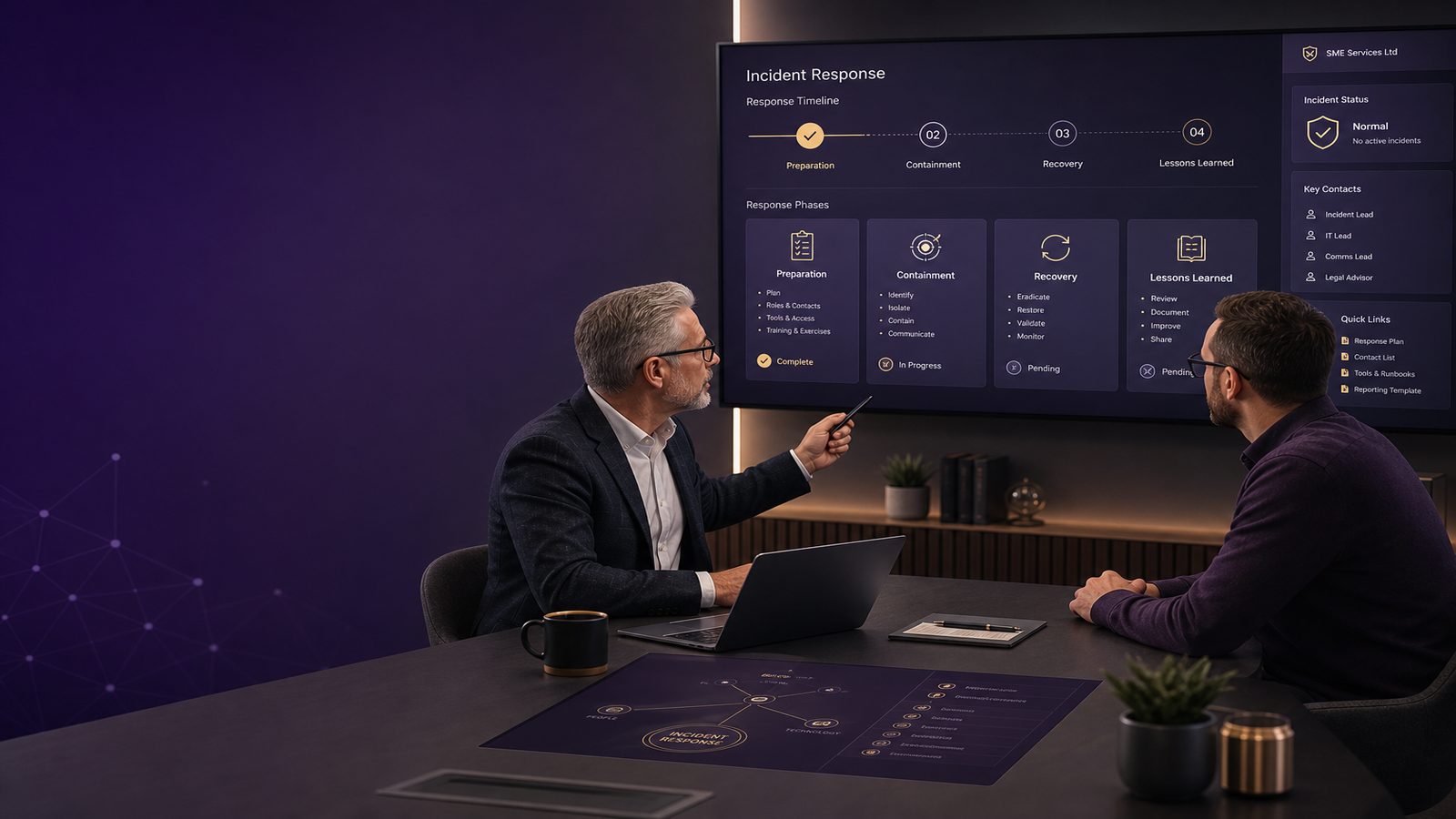
Incident response fundamentals for SMEs
When a cyber incident happens, the biggest cost is often not the technical problem itself. It is the disruption to trading, the time spent by staff, the pressure on customer relationships, and the knock-on effect on reputation. For a small or medium-sized business, a clear response can make the difference between a manageable interruption and a much larger business problem.
Incident response is simply the way your organisation prepares for, identifies, contains, recovers from, and learns from a security event. That event might be a stolen password, a lost laptop, a suspicious email that someone clicked, or systems that suddenly stop working. You do not need a large security team to respond well. You do need clear decisions, basic preparation, and a calm process that people can follow.
What incident response means for a small business
A simple definition in plain English
Incident response is your plan for what to do when something goes wrong with your systems or data. It helps you answer practical questions quickly:
- Who takes charge?
- Who needs to be told?
- What should be switched off, isolated, or paused?
- How do you keep the business running safely?
- How do you avoid making the problem worse?
For SMEs, the aim is not perfection. The aim is to reduce damage, make sensible decisions quickly, and get back to normal as soon as possible.
Why speed and clarity matter more than perfection
In the early stages of an incident, people often want to investigate everything before acting. That can waste valuable time. A fast, clear response usually does more to protect the business than a slow, detailed one.
Good incident response is about:
- spotting the issue early
- limiting the spread
- protecting evidence where possible
- keeping people informed
- restoring services safely
The business impact of getting it wrong
Costs, downtime, and lost productivity
Even a small incident can create real cost. Staff may be unable to access email, shared files, finance systems, or customer records. Orders may be delayed. Calls may go unanswered. Work may stop while people wait for instructions.
The direct cost is only part of the picture. There is also the cost of overtime, temporary support, external specialists, and time spent by managers dealing with the incident instead of running the business.
Reputation, customer trust, and supplier pressure
Customers and suppliers usually care less about the technical detail and more about whether you handle the situation well. If messages are slow, unclear, or inconsistent, confidence can drop quickly.
For SMEs, reputation matters because relationships are often close and personal. A poor response can affect renewals, referrals, and supplier confidence long after the incident itself is over.
The core incident response stages
Prepare, identify, contain, recover, and learn
A simple incident response process has five stages:
- Prepare – decide in advance who does what.
- Identify – confirm that something unusual is happening.
- Contain – stop the problem spreading.
- Recover – restore services safely.
- Learn – improve your controls and process afterwards.
What each stage looks like for an SME
In a small business, these stages do not need to be formal or complicated. They need to be usable. A good plan is one that a manager, office lead, or IT provider can follow under pressure.
For example:
- Prepare by keeping a contact list and decision tree.
- Identify by checking whether the issue is real, repeated, or spreading.
- Contain by disabling affected accounts or isolating affected devices.
- Recover by restoring from known good backups or re-enabling services in a controlled way.
- Learn by updating the plan, training staff, and fixing the weak points that allowed the incident.
What to prepare before an incident happens
Who makes decisions and who needs to be contacted
One of the most useful things an SME can do is agree decision-making before anything goes wrong. During an incident, people should not be guessing who is in charge.
At a minimum, define:
- the main incident lead
- a backup decision-maker
- who contacts your IT support or managed service provider
- who informs senior management
- who handles customer or supplier communication
Keep contact details in more than one place. If email is unavailable, you still need a way to reach people.
What systems, accounts, and backups to prioritise
Not every system matters equally during an incident. Identify the services that would hurt the business most if they failed. These usually include:
- email and collaboration tools
- customer records
- finance and payroll systems
- order processing or booking systems
- shared file storage
- remote access tools
You should also know where your backups are, how often they run, and how long it takes to restore them. A backup that cannot be restored quickly is of limited value during an incident.
How to recognise a possible incident
Common warning signs for SMEs
Many incidents start with small clues. Common warning signs include:
- unexpected password reset requests
- staff reporting strange emails sent from their account
- files being renamed, encrypted, or missing
- devices running unusually slowly
- new user accounts appearing without explanation
- customers or suppliers receiving odd messages from your domain
- security alerts from your tools or service provider
One warning sign may be a routine issue. Several warning signs together should be treated seriously.
When an alert is urgent and when it may be routine
Not every alert means you have been compromised. However, if an alert affects a privileged account, a finance system, a backup system, or multiple users, treat it as urgent until proven otherwise.
A useful rule is this: if the issue could affect money, customer data, or the ability to trade, escalate it quickly.
Your first hour: practical actions that reduce damage
How to preserve evidence without slowing containment
The first hour matters because early actions can reduce spread and preserve useful information. You do not need to become a forensic specialist. You do need to avoid destroying evidence unnecessarily.
Practical steps include:
- write down when the issue was first noticed
- note which systems, users, or locations are affected
- take screenshots of error messages or alerts
- keep a simple log of actions taken and by whom
- save suspicious emails or messages rather than deleting them
If a device or account is clearly involved, isolate it in a controlled way. The aim is to stop further damage while keeping enough information to understand what happened later.
What to avoid doing in the heat of the moment
People often make things worse by acting too quickly. Avoid:
- resetting everything at once without a plan
- deleting files, emails, or logs
- rebuilding systems before checking what was affected
- telling everyone to change passwords before you know the scope
- making public statements before the facts are clear
If you are unsure, slow down just enough to make the next step deliberate. A short pause can prevent a much bigger recovery problem later.
Containment and recovery in plain English
Short-term containment versus longer-term fixes
Containment is about stopping the incident from spreading. Recovery is about getting the business back to normal safely. These are related, but not the same.
Short-term containment might mean:
- disabling a compromised account
- isolating a laptop from the network
- blocking a suspicious email sender
- pausing a service that appears to be affected
Longer-term fixes might include:
- changing passwords and access rules
- closing the weakness that allowed the issue
- reviewing backup and restore procedures
- improving staff training or approval steps
Restoring services safely and checking for lingering risk
Recovery should be controlled, not rushed. Before restoring a system, check whether the original cause has been addressed. If not, the same problem may return.
Useful recovery questions are:
- Has the affected account been secured?
- Has the device been checked or rebuilt?
- Are backups known to be clean?
- Have all affected users been informed?
- Do we need to monitor for repeat activity?
It is better to restore one service safely than to bring everything back too quickly and face another disruption.
Communication during an incident
What to tell staff, customers, and suppliers
Clear communication reduces confusion and helps people act appropriately. Staff should know what is happening, what they should do, and what they should not do.
Keep messages simple:
- what happened, in plain language
- what systems or services are affected
- what action people need to take now
- who they should contact with questions
For customers and suppliers, share only what is necessary and accurate. Avoid speculation. If you do not yet know the full picture, say that you are investigating and will provide an update when you can.
Keeping messages accurate, calm, and consistent
Mixed messages create uncertainty. One person should own external communication, even if others help draft it. That keeps the tone consistent and avoids accidental overstatement.
Good incident communication is:
- calm
- factual
- brief
- consistent
It should reassure people that the issue is being handled without pretending that the impact is smaller than it is.
After the incident: learning and improvement
What to review once the pressure has eased
Once the immediate issue is under control, hold a short review. This is not about blame. It is about understanding what happened and what should change.
Review:
- how the incident was detected
- how quickly it was escalated
- what worked well
- what slowed the response
- which systems or processes need improvement
Capture the findings while they are fresh. Small businesses often lose valuable lessons because everyone moves on too quickly.
Turning lessons into better controls and processes
Every incident should improve the business if you use it well. Typical improvements include:
- better staff awareness
- stronger account protection
- clearer backup testing
- better logging and monitoring
- more realistic response roles and contact lists
Even one or two practical changes can make the next incident easier to manage.
A simple SME incident response checklist
People, process, and technology checklist
Use this as a starting point:
- Named incident lead and backup
- Current contact list for staff, IT support, and key suppliers
- List of critical systems and accounts
- Backups tested and restore steps understood
- Simple log for recording incident actions
- Template messages for staff and customers
- Plan for isolating affected devices or accounts
- Review process after the incident
A short monthly readiness review
Once a month, ask four questions:
- Would we know who to call first?
- Do we still know which systems matter most?
- Have backups been checked recently?
- Would staff know how to report a suspicious event?
If the answer to any of these is no, that is a useful signal to tighten the process before you need it.
Incident response does not have to be complex to be effective. For SMEs, the best approach is usually simple, documented, and practised enough that people can follow it under pressure. If you want help turning this into a workable plan for your business, speak to a consultant.
Comments are closed