
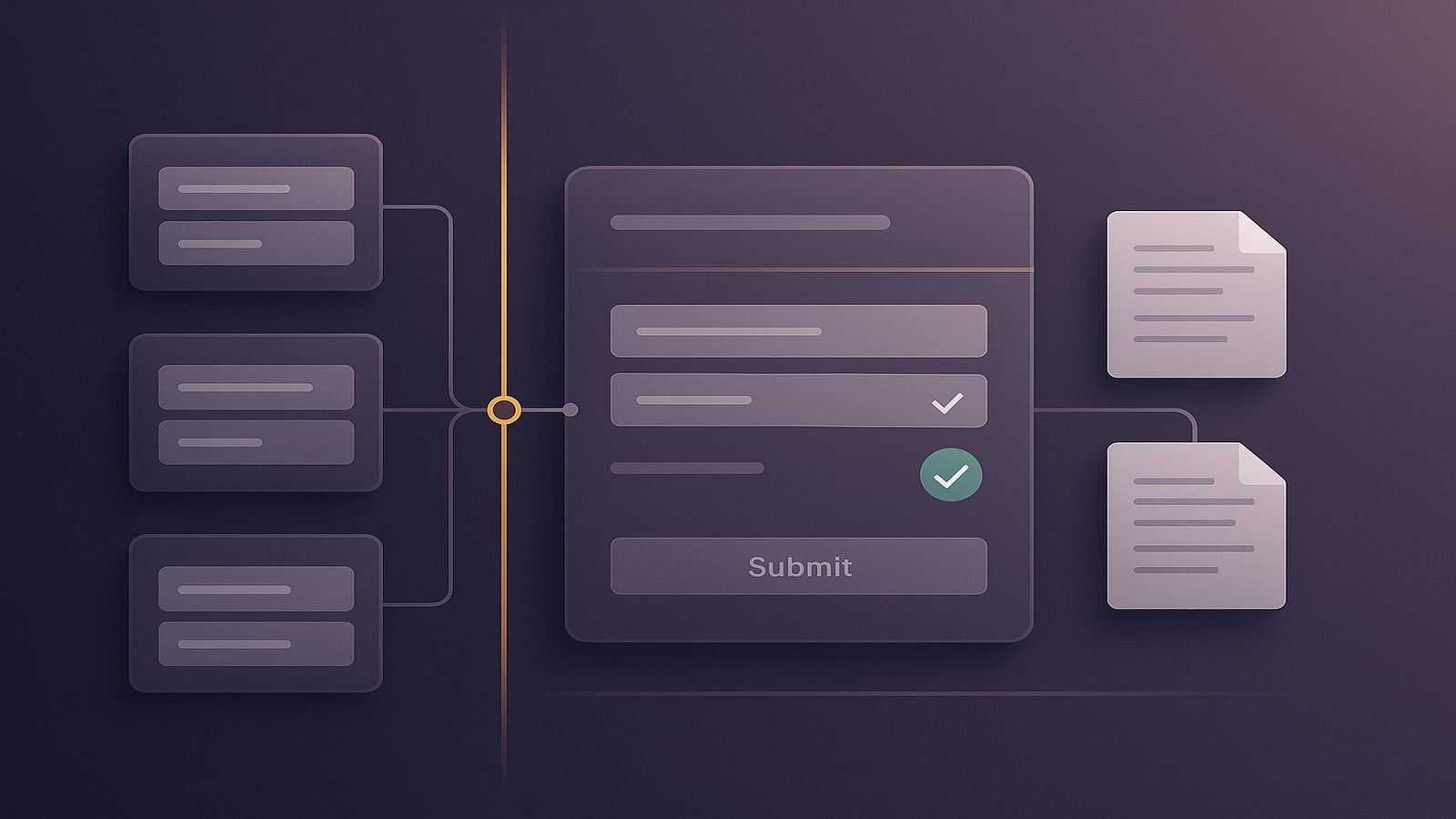
Understanding why external input cannot be trusted
For many UK SMEs, software grows quickly. A product starts with a simple web form, then gains an API, a mobile app, a supplier feed, and a few internal automations. Each new connection helps the business move faster, but it also creates more places where data enters your systems.
The key point is straightforward: external input should not be trusted by default. That does not mean it is bad, malicious, or unusable. It means the system should assume the input may be incomplete, unexpected, incorrectly formatted, or deliberately crafted to cause problems. Good secure development treats every outside source as a trust decision, not an assumption.
This matters because software rarely fails in the abstract. It fails when it is given something it was not designed to handle. A date in the wrong format, a file with hidden content, a field that is longer than expected, or a message from a third-party service that does not match the agreed structure can all create risk. In some cases the result is a visible error. In others, the issue is quieter, such as corrupted data, broken reporting, or a workflow that behaves in the wrong way.
For SMEs, the practical aim is not perfection. It is to reduce avoidable risk by making trust explicit, checking input at the right points, and designing systems so that bad data is rejected or contained before it can do harm.
What external input means in everyday software
External input is any data that comes into your system from outside the component that is using it. In plain English, it is information you did not create and fully control yourself.
Examples from forms, APIs, files, messages, and integrations
Common examples include:
- Website forms where customers enter names, addresses, comments, or payment details.
- Application programming interfaces, or APIs, which are the rules that let systems exchange data automatically.
- Uploaded files such as spreadsheets, PDFs, images, or documents.
- Messages from queues, webhooks, or background jobs.
- Data imported from suppliers, partners, or internal business tools.
- Configuration values that come from environment settings or deployment pipelines.
These sources may be external in different ways. Some come directly from users. Some come from another system in your own organisation. Others come from a supplier or a cloud service. The common factor is that your software did not originate the data, so it cannot assume the data is safe, complete, or well formed.
Why input from users, systems, and suppliers all needs scrutiny
It is easy to focus only on public-facing forms, because they are the most obvious entry point. In practice, internal systems can be just as important. A trusted supplier feed may contain an unexpected character. An internal admin tool may allow a field that was never intended for free text. An automation may pass through data from one service to another without checking whether the format still matches what the receiving system expects.
Security teams often describe this as a trust boundary. A trust boundary is the point where data moves from one level of confidence to another. Once data crosses that boundary, the receiving system should verify it before using it. That principle applies whether the source is a customer, a staff member, a partner, or a machine-to-machine integration.
Why trust boundaries matter for UK SMEs
UK SMEs often run lean teams and rely on practical shortcuts to keep delivery moving. That is understandable. But shortcuts around input handling can create business risk that is much wider than a technical defect.
How untrusted input can affect data, availability, and business decisions
Untrusted input can affect three areas in particular:
- Data integrity, which means whether the information in your systems is accurate and reliable.
- Availability, which means whether services remain usable when they receive unexpected data.
- Business decisions, which depend on reports, dashboards, and workflows being based on correct information.
If a system accepts bad input too freely, it may store incorrect records, trigger the wrong action, or produce misleading reports. That can affect customer service, finance, operations, and compliance activities. In a small business, even a short-lived issue can take time to untangle because the same people who build the system are often the ones who must support it.
Common assumptions that create avoidable risk
Several assumptions tend to cause problems:
- “The user will only enter sensible values.”
- “The supplier feed is trusted, so we do not need to check it.”
- “The front end already validates the field, so the server does not need to.”
- “This is an internal tool, so the data is safe.”
- “If the input is wrong, the system will just reject it.”
These assumptions are risky because they rely on behaviour outside your control. Users make mistakes. Suppliers change formats. Integrations fail in partial ways. Attackers may also try to exploit weak input handling, but even without hostile intent, ordinary operational errors can still cause disruption.
A more reliable approach is to assume the input may be wrong and design the system to cope with that safely.
Where external input enters your systems
Input does not only arrive through a public website. It can enter at many points across a modern business.
Web applications, mobile apps, and internal tools
Web applications are the most familiar example. Forms, search boxes, file uploads, and account settings all accept data from outside the application. Mobile apps do the same, often through APIs that the app calls behind the scenes. Internal tools also matter because they frequently have broad permissions and are used by trusted staff, which can make weak validation harder to spot.
In each case, the system should check that the input matches what the business expects. That includes the format, length, type, and permitted values. For example, a postcode field should not accept arbitrary text if the process depends on a valid postcode structure. A quantity field should not accept letters. A status field should only accept the states the workflow is designed to handle.
Third-party services, automation, and imported data
External input also arrives through automation. A payment platform may send a callback. A CRM may push customer updates. A supplier may provide a daily file. A low-code workflow may move data between systems without a person checking each record.
These flows are useful, but they can hide trust issues because they feel routine. If a supplier changes a field name, sends a blank value, or includes data that was not expected, the receiving system may behave unpredictably. The same applies to imported data from spreadsheets, where hidden formatting, formulas, or inconsistent columns can cause problems if the import process is too forgiving.
For SMEs, the practical question is not whether to use these integrations. It is how to make sure each one has clear checks, clear ownership, and clear fallback behaviour when the input is not what was expected.
What can go wrong when input is accepted too freely
When software accepts external input without proper checks, the result is not always dramatic. Often the first signs are small: a failed form submission, a strange record in a database, or a report that does not quite add up. Those small issues can still matter because they are often the early warning signs of a wider control problem.
Injection, broken logic, and data corruption
One common risk is injection, which happens when untrusted data is treated as part of a command, query, or instruction rather than as plain data. The exact technical details vary, but the business lesson is simple: if the system cannot clearly separate data from instructions, it may do something the developer did not intend.
Another risk is broken logic. This occurs when input is technically accepted but still causes the application to make the wrong decision. For example, a discount code may be applied more than once, a status change may skip approval, or a workflow may accept a value that should only be available in a different stage of the process.
Data corruption is also common. A field may be truncated because it is too long. A date may be interpreted in the wrong format. A number may be rounded incorrectly. These issues can be hard to trace because the system may not fail immediately. Instead, it stores the wrong value and the problem appears later in reporting, billing, or customer communications.
Unexpected behaviour in downstream systems and reports
Input problems often spread beyond the first application that receives them. A bad record can move into a data warehouse, a finance system, or an automated notification. Once that happens, the issue becomes harder to correct because several systems may already have consumed the data.
That is why trust boundaries matter at every stage, not just at the edge of the network. If one system accepts poor-quality input and passes it on, the downstream systems may be forced to cope with data they were never meant to handle. In business terms, that can mean rework, customer confusion, and avoidable operational cost.
Practical controls that reduce input-related risk
The good news is that you do not need complicated controls to make a meaningful improvement. Most SMEs benefit from a small set of consistent habits applied well.
Validation, encoding, and sanitisation in plain English
Validation means checking that the input is what you expect before you use it. For example, does the email address look like an email address, is the date valid, and is the value within the permitted range?
Encoding means converting data so it is safe to display or pass into another context. This is especially important when showing user input on a web page or placing it into a format that has special characters.
Sanitisation means removing or neutralising unwanted parts of the input. This can help when you need to strip out characters, tags, or formatting that should not be carried forward.
These controls are related but not identical. Validation checks whether the data is acceptable. Encoding makes sure the data is handled safely in a specific context. Sanitisation cleans the data to reduce risk or improve consistency. In practice, you often need more than one of these controls.
Allow-lists, type checks, and safe defaults
Where possible, use allow-lists. An allow-list is a list of values that are permitted. This is usually safer than trying to block every bad value, because it is easier to define what is allowed than to predict every way input might be wrong.
Type checks are also important. If a field should contain a number, make sure it is treated as a number. If it should contain one of a small set of statuses, do not accept free text. If a file upload should only allow certain file types, enforce that restriction at the server side as well as in the user interface.
Safe defaults help when input is missing or unclear. Rather than guessing, the system should either reject the input or choose a conservative behaviour. For example, if a required field is blank, it is usually better to stop and ask for correction than to continue with a value that may be wrong.
It is also sensible to limit size. Large inputs can cause performance issues, storage problems, or processing delays. Setting sensible limits on text length, file size, and request frequency can reduce risk without making the system difficult to use.
Designing software so trust is earned, not assumed
Secure software design is not just about adding checks at the end. It is about building the habit of asking, at each boundary, whether the system should trust the input and, if so, on what basis.
Treating every boundary as a decision point
Every boundary is a decision point. That includes the point where data enters the application, the point where it is stored, the point where it is displayed, and the point where it is sent to another system. At each stage, the question is the same: what does this component need to know before it can safely use the data?
This approach helps teams avoid a common mistake, which is to validate input once and then assume it remains safe forever. Data can change meaning depending on where it is used. A value that is safe in one context may be unsafe in another. For that reason, checks should be applied where they are needed, not just where the data first arrives.
Building checks into architecture, code review, and testing
Good input handling should be part of normal development work. That means:
- Defining expected input early in the design.
- Checking trust boundaries during architecture reviews.
- Reviewing code for assumptions about data shape and source.
- Testing with unexpected, missing, and boundary values.
- Including negative test cases, which are tests that confirm the system rejects bad input safely.
For SMEs, this does not need to be heavy-weight. A short checklist used consistently can be enough to catch many issues before release. The aim is to make secure handling of input a routine part of delivery, rather than a special activity that only happens after a problem is found.
How SMEs can apply this without slowing delivery
Many leaders worry that stronger input checks will slow teams down. In practice, the opposite is often true over time. Clear rules reduce rework, make defects easier to diagnose, and help developers make decisions faster because the expected behaviour is already defined.
Simple team habits that improve consistency
Useful habits include:
- Agreeing the expected format for each field before development starts.
- Using shared validation rules rather than re-implementing them in different places.
- Checking both client-side and server-side input, while relying on server-side checks for security.
- Logging rejected input in a way that helps support teams understand what happened, without storing unnecessary sensitive data.
- Reviewing supplier and integration changes for new data fields or changed formats.
These habits are practical because they fit into normal delivery. They do not require a large programme or a major redesign. They simply make the handling of external input more deliberate.
When to involve security or development specialists
It is sensible to bring in specialist support when a system handles sensitive data, supports critical business processes, or relies on multiple external integrations. The same applies when your team is unsure whether a field, file, or message is being used safely across different parts of the application.
Specialist input can help you identify trust boundaries, review risky data flows, and decide where stronger controls are worth the effort. For many SMEs, that support is most useful when it is practical and risk-based, rather than theoretical.
The main point is simple. External input is not something to fear, but it is something to respect. If your software treats every outside source as untrusted until checked, you are much more likely to build systems that are reliable, maintainable, and easier to defend.
If you would like help reviewing how your applications handle external input, or you want a practical view of where secure development controls would add the most value, speak to a consultant.
Frequently asked questions
Why is all external input treated as untrusted in secure software development?
Because the source of the data does not guarantee its quality, format, or intent. Users make mistakes, suppliers change formats, integrations fail, and attackers may try to exploit weak handling. Treating input as untrusted helps the system check it before use, which reduces the chance of errors, corruption, and unsafe behaviour.
What is the difference between validation, encoding, and sanitisation?
Validation checks whether the input is acceptable. Encoding makes data safe for a particular context, such as displaying it in a web page. Sanitisation removes or neutralises unwanted content. They solve different problems, so a secure design often uses more than one of them.
Key points to remember
- External input should be treated as untrusted until it has been checked, because the source, format, and intent may not match what the system expects.
- A practical secure development approach focuses on clear trust boundaries, sensible validation, and business-aligned controls rather than trying to eliminate all risk.
Comments are closed